The short answer
Sort by the job you need done. TinySEO from $14 for speed and images, Avada or SearchPie for a technical suite, Plug in SEO to learn while you fix. No App Store SEO app plans content from your own Search Console data, which is the gap we built QueryClimb to fill.
Full disclosure before anything else: we make QueryClimb, an SEO tool for Shopify stores, and it appears near the end of this guide. Everything here is compared on published pricing and features, checked against each app’s own Shopify App Store listing on 21 August 2026, and we say plainly what each tool does better than ours. If a price has changed since, the listing wins.
There are hundreds of SEO apps in the Shopify App Store, and the listings blur together because almost all of them describe themselves the same way: boost rankings, fix SEO issues, drive traffic. The way out of the blur is to ignore the marketing and sort by job. Shopify SEO apps do one of four jobs:
- Technical clean-up: meta tags, schema markup, broken links, sitemaps, speed.
- Image and speed optimisation: compression, lazy loading, Core Web Vitals.
- AI content production: generating blog posts and product descriptions.
- Search data intelligence: telling you what to publish and fix, based on how you actually rank.
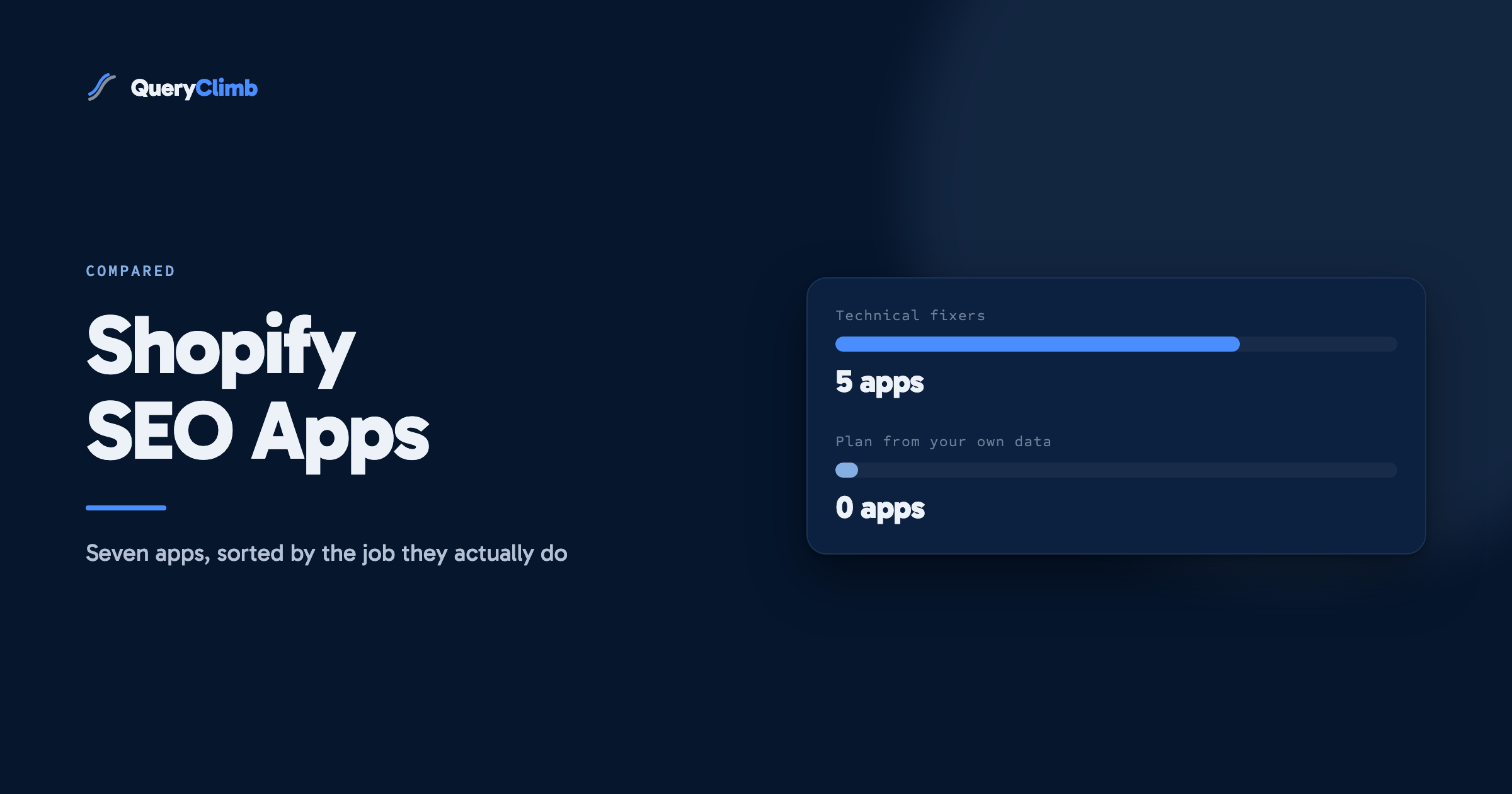
Most apps do job 1 or 2. A crowded newer group does job 3, mostly badly. Almost nothing does job 4, which is why we ended up building it. Here is the field, job by job.
How we compared
Three rules. Prices and review counts come from each app’s live App Store listing, checked on the date above, not from third-party roundups. Features come from the listing and the developer’s own documentation, not from us testing every tier of every app, and where we have not used a thing we say so. And every app gets a “stops at” line, because knowing where a tool ends is more useful than knowing where it starts.
The technical suites
Avada AI SEO Image Optimizer: the biggest listing
Over 4,300 reviews at 4.9 stars, which makes Avada the closest thing the category has to a default choice. It bundles image optimisation, meta tag automation, schema markup, speed tooling, broken link management and AI credits for metadata generation. There is a genuinely usable free plan, a $34.95/mo paid tier, and a $99/mo Enterprise tier with 10,000 AI credits.
Good at: breadth for the money. If you want one app to sweep up the technical basics and you do not want to think about it, this is the safe large choice.
Stops at: strategy. Avada fixes what exists. It has no opinion about what content your store is missing, which queries you are nearly ranking for, or what to publish next.
SearchPie: SEO, Speed and Schema
About 2,300 reviews at 4.9. Very similar shape to Avada: schema coverage, speed tooling, AI tags, plus keyword tracking on the $99/mo Enterprise tier. Free plan, $39/mo mid tier.
Good at: schema depth and a tidy interface. Between SearchPie and Avada the honest answer is that either works and the free tiers let you try both.
Stops at: the same wall. It optimises pages you already have.
Tiny SEO Speed Image Optimizer (TinyIMG)
Around 2,250 reviews at a flat 5.0, which is remarkable at that volume. Plans at $14, $23 and $49/mo. The $49 Expert tier includes Search Console insights, AI metadata and an SEO consultation.
Good at: the most value per pound in the category. If your store’s problem is heavy images and sluggish templates, this fixes real, measurable problems for less than a takeaway.
Stops at: content entirely. Faster pages rank better only when the pages deserve to rank.
Smart SEO and StoreSEO, briefly
Smart SEO (850 reviews, 4.9) does meta and schema automation from $14.99/mo to $49.99/mo, with a bring-your-own-AI-key option on the top tier that is unusually good value if you already pay for an AI API. StoreSEO (677 reviews, 5.0) runs from $14.99/mo up to an outlying $249.99/mo Advanced tier for 10,000 products and 50,000 AI credits, aimed at large catalogues. Both are competent; neither changes the category.
Plug in SEO: the veteran
533 reviews at 4.5, no free plan, a 14-day trial, then $29.99 to $79.99/mo. It audits your store against a long checklist of SEO problems and walks you through fixing each one in plain English.
Good at: being understandable. Its reports read like a checklist written by a person. For a store owner who wants to learn SEO while fixing it, this is the teaching tool.
Stops at: anything generative or strategic. It is a diagnostic.
Worth knowing
Google’s spam policies have targeted scaled content abuse since March 2024. The pattern they describe, pages generated at volume primarily to game rankings, is exactly what “300 articles a month” sells. Production method is not the problem; publishing at a volume your data cannot justify is.
The AI content category, and its health warning
This is the fastest-growing corner of the store and the one to treat most carefully. The pitch is seductive: hundreds of AI articles a month for under $100. The typical result is content written from a keyword list by a model that has never seen your store’s data, does not know what you already rank for, cannot check whether the new article competes with an existing one, and cites sources nobody verified. Google’s spam policies have targeted exactly this pattern, scaled content abuse, since March 2024.
The cautionary tale is BlogSEO AI, for a time the best-known AI blog app in the store at $19 to $99/mo by article volume. When we checked in August 2026, its listing had collapsed to a handful of reviews at 1.0 stars. We take no pleasure in that; it is simply what the category does to tools whose output does not hold up. Quality is existential here.
If you evaluate any AI content app, ours included, ask three questions:
- Where do topics come from? A keyword database means generic content anyone could publish. Your own Search Console data means content Google has already signalled it wants from your store specifically.
- What stops it competing with itself? Publishing a new article on a topic you already rank for splits your authority between two pages, and both usually rank worse. Ask whether the tool checks before writing. Most cannot, because they never see your ranking data.
- What happens after publish? If the answer is nothing, you are buying drafts, not rankings. Rankings are won in the weeks after publication, watching and adjusting.
The missing job: search data intelligence
Notice what none of the above does: none of it reads your Search Console and tells you that “how to clean suede boots” shows your product page at position 13 with 2,000 monthly impressions, and that one properly written article would likely take it to page one. That information sits in every store’s free Search Console right now, and it is the highest-value input in all of content SEO. We wrote up the full manual workflow for finding these striking distance queries; it needs no purchase at all.
QueryClimb is that workflow productised, because we ran it manually on our own store for long enough to resent it. It reads your Search Console, classifies every opportunity (new, refresh, rewrite, leave winning, leave fresh), refuses to write anything that would compete with a page you already rank, drafts in your voice with every citation verified against the study it references, wires internal links, publishes to Shopify on your schedule, and tracks each article’s trajectory afterwards. The same loop we describe in our Shopify blog SEO guide, automated.
It is not for everyone, and here is the honest boundary. If your store has under roughly three months of Search Console history, there is not enough signal to plan from; spend $14 on TinyIMG and publish patiently first. If you want 300 articles a month, we are the wrong tool on purpose. And we do not do deep technical fixes: no image compression, no theme speed work. Pricing runs from a free audit tier to $199/mo, with the flagship at $79/mo for 30 published articles.
Price and job comparison
| App | Reviews | Free plan | Entry | Top tier | Job |
|---|---|---|---|---|---|
| Avada SEO | 4,352 · 4.9 | Yes | $34.95/mo | $99/mo | Technical suite |
| SearchPie | 2,348 · 4.9 | Yes | $39/mo | $99/mo | Technical suite |
| Tiny SEO (TinyIMG) | 2,265 · 5.0 | Yes | $14/mo | $49/mo | Speed and images |
| Smart SEO | 850 · 4.9 | Yes | $14.99/mo | $49.99/mo | Meta and schema |
| StoreSEO | 677 · 5.0 | Yes | $14.99/mo | $249.99/mo | Technical + AI credits |
| Plug in SEO | 533 · 4.5 | Trial | $29.99/mo | $79.99/mo | Diagnostics |
| QueryClimb | new | Yes (audit) | $29/mo | $199/mo | Search-data content loop |
Review counts and prices from Shopify App Store listings, 21 August 2026.
Key takeaway
Buy for your bottleneck, not for the feature list. Slow images and missing schema are a $14 to $49 problem. A traffic plateau on a technically sound store is a content targeting problem, and no amount of metadata tooling fixes it.
Which app for which store
- New store, under 50 products, little traffic: TinyIMG ($14) plus patience. You do not yet have the search data that makes content tools worth their price.
- Established store, messy technical base: Avada or SearchPie on a paid tier for a quarter, fix everything, then reassess whether you still need the subscription.
- Growing store, technical base fine, traffic plateaued: the bottleneck is content targeting. Run the free striking distance audit (ours, or the manual version linked above) and see how many queries you are nearly ranking for. That list decides your next spend.
- Large catalogue, big team: StoreSEO’s top tier or an agency; app-store tooling starts to creak here.
- Publishing weekly but rankings not moving: the problem is usually what you write about, not how it is optimised. That is the QueryClimb case.
What we would install on a new store in month one
If we were setting up a store from scratch tomorrow, this is the order we would spend in, and the reasoning behind it.
First, nothing. Shopify ships canonical tags, sitemaps and editable titles and descriptions. Write unique titles and meta descriptions for your top twenty products by hand, compress your images before upload, and check your Core Web Vitals. That is a free afternoon and it removes most of the problems the apps in this guide are sold to fix.
Then one technical app, if the data says so. Run PageSpeed Insights and Search Console’s Pages report first. Heavy images point at TinySEO at $14. Missing or duplicated structured data across dozens of products points at Avada or SearchPie. If neither report shows a problem, do not buy either; a second app that duplicates your theme’s schema causes more trouble than it solves.
Then wait for data. Content tooling, ours included, needs a few months of Search Console history before it can plan from anything real. Publish a post a week manually in the meantime using the free workflow, and you will both build the history and learn what your customers actually ask.
Then decide about content. By month four you will have a striking distance list. If it is long and you have no hours, that is the case for a content tool. If it is short, your bottleneck is still product and category coverage, not blogging.
Frequently asked questions
Do I need an SEO app at all?
Shopify’s defaults are respectable: canonical tags, sitemaps and basic meta editing are built in. You need an app when a specific bottleneck appears: slow images, missing schema at scale, or no idea what to publish. Buying an app before identifying the bottleneck is how stores end up paying for three apps that overlap.
Will SEO apps slow my store down?
Apps that inject front-end scripts can. Image optimisers generally make stores faster. Content and data tools like ours do their work through the API and add nothing to your storefront’s weight. Check any app’s storefront impact in the listing’s Built for Shopify notes and your own Core Web Vitals before and after.
Can I use more than one?
Yes, and most serious stores do: one technical or speed app plus one content-side tool is a sensible stack. Two apps doing the same job (two schema apps, two image optimisers) cause conflicts and duplicate markup; pick one per job.
Are AI-written blog posts against Google’s rules?
No. Google’s guidance targets content made to game rankings rather than help people, however produced. AI-assisted content grounded in real data, with verified sources and genuine usefulness, ranks fine, and human-written filler gets penalised the same as machine-written filler. The production method matters less than whether anybody should read the result.