The short answer
Filter Search Console to positions above 4.9, sort by impressions, then check which page Google is ranking. Queries where a product or collection page ranks for a question are the strongest article briefs you own, because Google is already trying to rank you and has nothing better to use.
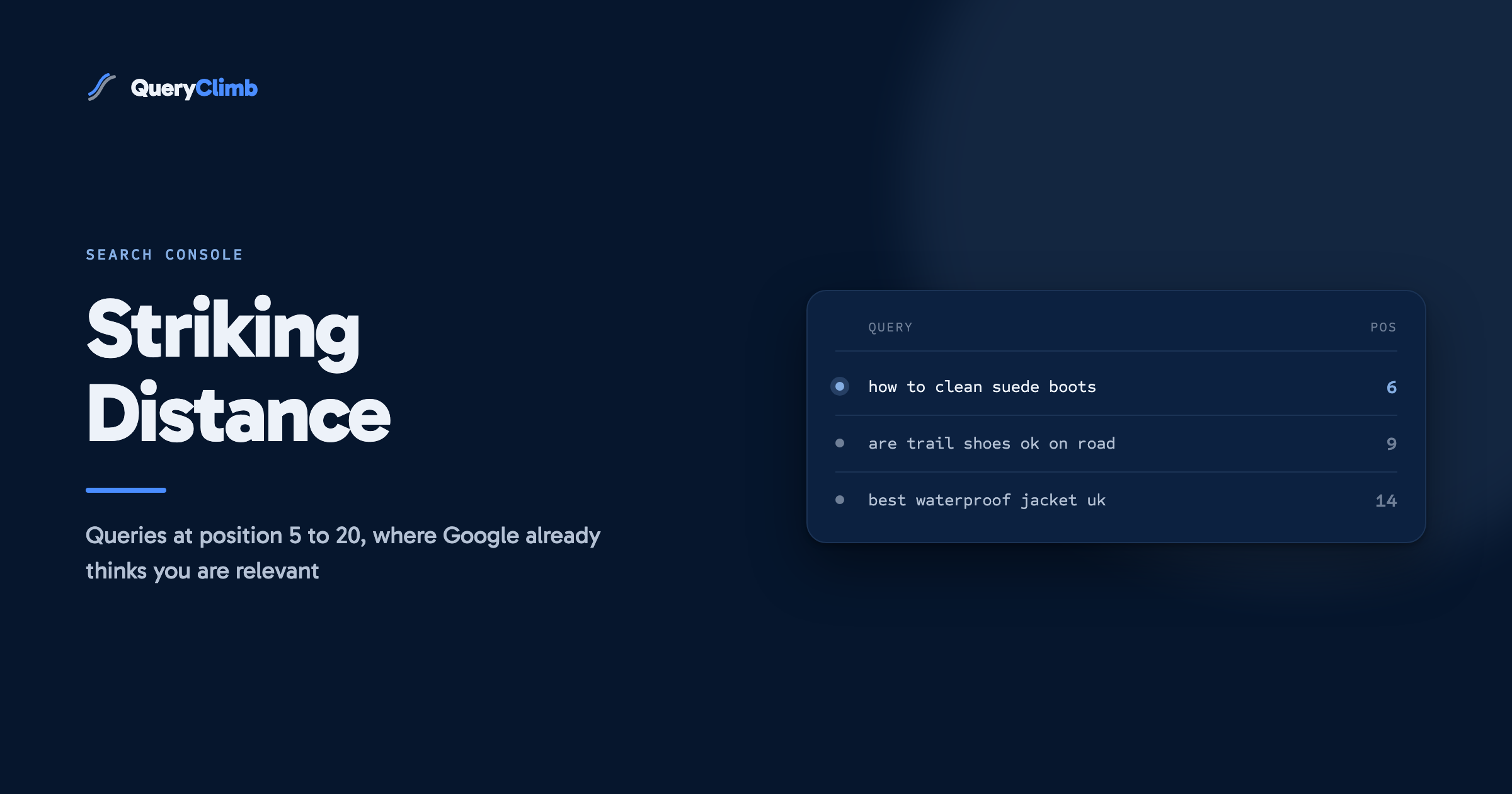
A striking distance keyword is a query where your site already ranks between roughly position 5 and 20: the bottom of page one, or page two. Google has already decided your site is relevant to the query. It just does not yet consider your page the best answer. Closing that gap is the highest return-on-effort work in content SEO, and this guide is the complete manual workflow using nothing but Google Search Console, which is free.
Why striking distance keywords matter more than new keywords
Click-through rate falls off a cliff as position drops. We are not going to quote a precise CTR curve at you, because the published ones disagree with each other and none of them match your store. What every one of them agrees on is the shape: the top result takes a large share, the fifth takes a small one, and page two takes close to nothing. You can check your own curve in Search Console by comparing CTR against average position across your queries, which is better evidence than anyone else’s benchmark: moving from position 12 to position 4 routinely multiplies clicks by ten or more.
Now compare the effort. Ranking a brand-new page for a competitive query can take months and may never happen. Improving a ranking that already exists means Google has done half the assessment already: your site is crawled, indexed, judged topically relevant, and placed. You are not starting a ranking, you are finishing one. That asymmetry is the entire argument for working striking distance queries before anything else in your content plan.
There is a second, quieter benefit. Because the query already generates impressions for your site, Search Console gives you real numbers to plan with: actual impressions, actual position, actual click-through. New-keyword research runs on third-party estimates. Striking distance research runs on ground truth.
Why position matters this much
Check the curve on your own data rather than trusting a published benchmark. In Search Console, compare CTR against average position across your queries: you will see your own drop-off, and it accounts for your branding, your snippets and how many ads sit above you.
What counts as striking distance
The common definition is average position 5 to 20. Some practitioners use 11 to 20 (page two only). Our working rules:
- Position 5 to 10: page one already, but below the fold of attention. Small improvements to the existing page usually pay fastest here.
- Position 11 to 20: page two. This is the classic band. A serious refresh or a properly targeted new article can jump these to page one.
- Position 21 to 30: the outer band. Worth including when impressions are high, because high impressions at position 25 signal a big query where even partial progress pays.
Impressions matter as much as position. A query at position 8 with 40 impressions a month is a rounding error. A query at position 14 with 2,000 impressions a month is a project. Always sort by impressions within the position band.
Step 1: pull the report in Search Console
- Open Search Console and pick your property.
- Go to Performance, then Search results. (What the metrics mean.)
- Set the date range to the last 28 days. Shorter windows are noisy; longer windows hide recent movement.
- Click each of the four metric tiles so clicks, impressions, CTR and average position are all enabled.
- In the filter row above the table, add a Position filter: greater than 4.9.
- Sort the query table by impressions, descending.
You now have the raw striking distance list. For most stores it is between fifty and a few hundred queries.
Two refinements worth knowing:
- The regex filter. The query filter accepts regular expressions.
^(how|what|why|when|which|can|does|is|should)\bisolates question queries, which map naturally to articles. Question queries in striking distance are the easiest wins on the whole list. - Export it. The export button (top right) sends the filtered table to Google Sheets. You will want a spreadsheet for the classification step, because Search Console does not let you annotate rows.
Step 2: find out which page ranks for each query
This step changes everything about what you should do next, and most people skip it. In the Performance report, click an individual query; the report filters to it. Now switch to the Pages tab. The URL listed is the page Google is choosing to rank for that query.
The interpretation matrix:
- A blog article that targets the query ranks. The article is underperforming, not missing. The action is a refresh, never a new competing article.
- A product or collection page ranks for an informational query. This is the Shopify-specific gold. If “how to clean suede boots” ranks your product page at position 13, Google is trying to answer an informational query with a commercial page because your site offers nothing better. A dedicated article is the strongest possible bet.
- The homepage ranks. Similar signal: no specific page targets the query, so Google fell back to your strongest general page. A targeted page nearly always outperforms a homepage fallback.
- An article about something else ranks. Partial topical overlap. Decide whether the query belongs inside that article as a new section, or deserves its own page. The deciding question is whether a searcher for query A would be satisfied by the answer to query B.
Step 3: classify before you write
Every query gets one of these verdicts. Write them in your spreadsheet.
- Refresh: the right page ranks, but it is stale, thin or missing the subtopic. Update the existing URL. Keeping the URL preserves its accumulated history and links.
- New article: no page targets the intent, and the current ranking page is the wrong tool (product, collection, homepage, or an unrelated article).
- Leave, winning: the page also ranks top 3 to 5 for its main query, and this striking distance query is a variant. Editing winners to chase variants is how main rankings get lost. Add the variant as a subheading at most.
- Leave, fresh: the page was published in the last six weeks. Rankings drift for weeks after publication; judging fresh pages is noise.
The verdict that saves stores from themselves is the boundary between refresh and new. When in doubt, refresh. Two of your own pages competing for one query (“cannibalisation”) usually means both rank worse than either would alone.
Step 4: check for cannibalisation before writing anything new
Ninety seconds of checking prevents the most expensive mistake in content SEO:
- Search Google for
site:yourstore.com "the query"and read what comes back. - Search your own store’s site search for the topic.
- In Search Console, filter the Pages report by URLs containing your blog path and scan for titles adjacent to the topic.
If anything could plausibly rank for the query, strengthen that page instead of writing its competitor. A new “best waterproof hiking jackets” article can knock your waterproof jackets collection page off its ranking, and the net traffic change can be negative even when the article itself ranks.
Step 5: prioritise with a simple score
You cannot do everything at once, and doing the list top-to-bottom by impressions is close to optimal but not quite. The refinement that matters: weight queries by how close they are and how big they are. A serviceable score is impressions divided by current position. A query at 2,000 impressions and position 14 scores 143; a query at 600 impressions and position 6 scores 100; a query at 5,000 impressions and position 28 scores 179 but carries more risk. Sort by the score, then let the classification veto rows (winning pages and fresh pages drop out regardless of score).
Aim for a shortlist of five to ten actions a month if you are doing this by hand. Consistency beats bursts.
Step 6: write to finish the ranking
A striking distance article or refresh has one job: become the best answer to the specific query. What actually moves these rankings:
- Match the phrasing. The query’s intent belongs in the title and the opening, phrased the way searchers phrase it, not the way your industry phrases it.
- Answer first, expand second. Give the direct answer in the first paragraph, then earn depth. Featured snippets and AI answer engines both lift concise early answers, and human readers reward them with engagement.
- Cover the implied subtopics. “How to clean suede boots” implies the right tools, whether water is safe, and what to do about salt stains. Scan what the current page-one results cover and make the coverage list a superset, not a copy.
- Use question-phrased H2s. They map to how people search and they structure the page for extraction into snippets and AI answers.
- Cite real sources and link them. Any factual claim, especially in health, finance or law, should link to its source. Unverifiable claims are increasingly cheap to detect, for readers and for ranking systems alike.
- Wire internal links immediately. Link to the new or refreshed page from the two or three most relevant pages you already have, including the product page that was ranking by default. Internal links are how the page inherits the relevance your site already earned.
Step 7: watch the six weeks after publishing
Check the query weekly in Search Console after the change. Three outcomes:
- Climbing: do nothing. Let it settle.
- Flat after four to six weeks: the content did not satisfy the intent. Schedule a second pass and study what the current winners cover that you do not.
- A previously winning page slipping: investigate immediately. Did your change cannibalise it, or did a competitor move?
This is the step almost nobody does, and it is the one that turns the workflow into a learning system. Without it you never find out which of your habits actually move rankings.
Worth knowing
Impressions matter as much as position. A query at position 8 with 40 impressions a month is a rounding error. A query at position 14 with 2,000 impressions is a project. Always sort by impressions inside the position band, never by position alone.
Common mistakes that waste striking distance opportunities
- Writing new articles for queries an existing page already ranks for. The most common and most expensive mistake. Refresh beats duplicate.
- Treating every query as an article. Half the list is variants, junk and near-duplicates. Classification is the craft.
- Editing winners. A page at position 3 is fragile in ways a page at position 15 is not.
- Publishing and forgetting. Rankings are won in the weeks after publication. Un-watched publishing is gambling, not SEO.
- Chasing position 40 queries. Below roughly position 30 you are no longer finishing a ranking, you are starting one. Different work, different timeline.
Key takeaway
The work is classification, not discovery. Anyone can pull the list in five minutes. The value is deciding which queries become new articles, which become refreshes, and which you leave alone because the page is already winning.
Frequently asked questions
How many striking distance keywords should a store have?
A store with six months of Search Console history and fifty indexed pages typically shows dozens to a few hundred. If you see almost none, the constraint is usually indexation or thin content rather than optimisation, and the fix comes before this workflow.
How long does it take to see movement?
Refreshes of existing pages often move within one to three weeks. New articles typically take four to eight weeks to settle. Judge nothing in the first fortnight.
Does this work for product and collection pages too?
Yes, with a caveat. If a collection page sits at position 12 for a commercial query (“buy trail running shoes uk”), improve the collection page: intro copy, internal links, meta title. Do not write an article to chase a commercial query; intent mismatch loses.
What about AI Overviews taking the clicks anyway?
AI answer surfaces cite pages that answer questions concisely with credible sourcing. The same structure that wins striking distance rankings (direct answers, question headings, real citations) is what gets cited. The workflow does double duty.
The honest cost, and the automated version
Run properly by hand, this loop for one store costs a few hours a week: pulling and classifying the report, the cannibalisation checks, writing or briefing, wiring links, tracking outcomes. It compounds beautifully, and it is also exactly the kind of repetitive, data-driven work software should do.
That is what we built QueryClimb to do. It runs this entire loop against your Search Console automatically: the classification with five verdicts, the cannibalisation preflight that refuses to compete with your winners, drafting with every citation verified against the source, publishing to Shopify on a schedule, and per-article trajectory tracking afterwards. The free tier shows your own striking distance list, which is steps 1 and 2 of this guide done for you. Either way, manual or automated, the list is sitting in your Search Console right now.