The short answer
Decide which of three jobs you actually need replaced: topic selection, drafting, or publishing to Shopify. The free Search Console workflow covers topics, NeuronWriter and Frase cover drafting, and only a few tools publish to Shopify. Whatever you pick, make the topics come from your own data.
If you are searching for this, you have probably noticed what we noticed: BlogSEO AI, for a while the best-known AI blog-writing app in the Shopify App Store, now shows a handful of reviews at a one-star average where it once showed hundreds at nearly five. We are not going to speculate about why, and we make a competing product (QueryClimb), so weigh our view accordingly. What we can do is lay out the real options for a Shopify store that needs blog content written and published, with prices checked against each listing or pricing page on 21 to 22 August 2026.
What BlogSEO AI did, and what to replace
BlogSEO AI’s pitch was volume at low cost: $19/mo for 25 articles, $49 for 100, $99 for 300, generated from keywords and published to your Shopify blog, with a free plan of three articles. If that is what you used it for, you are replacing three things: topic selection, drafting, and publishing to Shopify. Most alternatives do two of those well and one badly, so the first decision is which of the three you actually need the tool for.
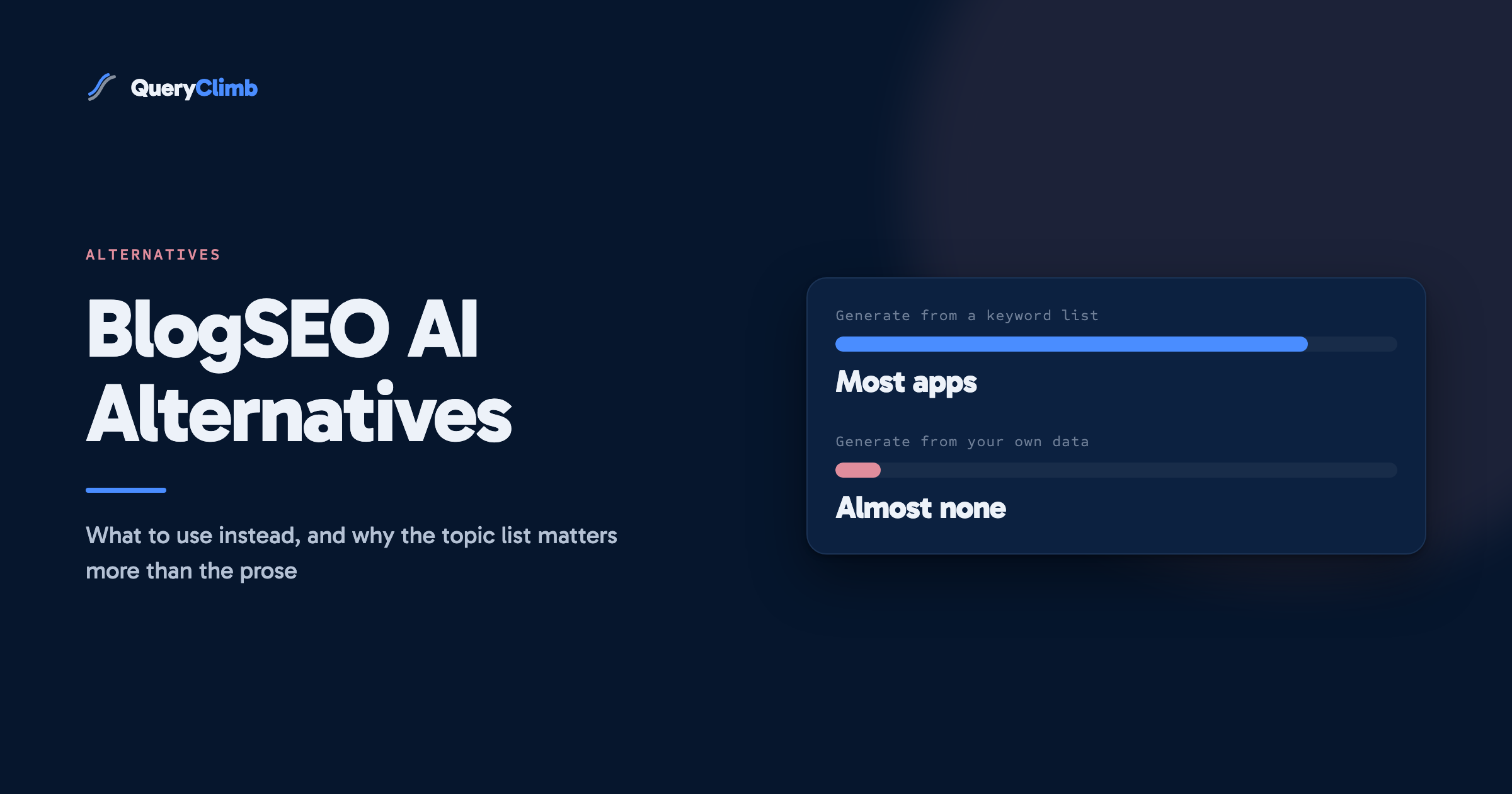
A suggestion before you pick: the most common reason AI-content apps fail stores is not the prose, it is the topic list. Content generated from a keyword database is generic by construction, and publishing it at volume can cost rankings rather than earn them. Whatever you choose, make the topics come from your own Search Console data; this guide shows how in twenty minutes.
Option 1: the free manual workflow
Cost: your time. Search Console for topics, any AI assistant for drafting, Shopify’s editor for publishing. The complete loop is written up here. For a store publishing one or two posts a week this is entirely workable, and it teaches you what the tools are automating. Its failure mode is consistency: most people stop in week three.
Option 2: other Shopify App Store AI blog apps
- Yozo AI Blogs Humanizer: credit-based, free plan with 30 credits, then $19 (500 credits), $49 (2,000, with autoblogging) and $99 (5,000). Very small review base (two reviews at the time of checking), so treat it as unproven rather than bad.
- BlogSEO: AI Blog and Backlinks: a different app with a confusingly similar name, single plan at $97/mo for 30 articles plus 15 backlinks, three-day trial, no reviews yet. Bought backlinks carry their own risk; we would not recommend it on that basis alone.
- StoreSEO: primarily a technical SEO app with AI credits on top, $14.99 to $249.99/mo. Good if you also need metadata and schema work; it is not a content-planning tool.
The honest summary of this category: every app here is either unproven or a general SEO suite with generation bolted on. None of them select topics from your search data or check new articles against your existing pages.
Option 3: general content tools with a Shopify integration
- NeuronWriter Gold, $69/mo ($57 annual): 10 projects, 75 content analyses, and a Shopify integration, which is rare in this category. Its strength is SERP-based content optimisation, in the Surfer mould, at a lower price.
- Frase, from $49/mo: brief building, AI drafting, SEO and GEO scoring, but publishing goes to WordPress, Webflow and Wix, not Shopify. Full comparison in QueryClimb vs Frase.
- Surfer, from $49/mo: the benchmark editor for optimising drafts against the SERP; no Shopify publishing. See QueryClimb vs Surfer.
These are good tools for a human writer. None of them replaces the “publish to Shopify on a schedule” part of what BlogSEO AI offered; you will copy and paste.
Worth knowing
Volume pricing is the tell. When an app sells 300 articles a month, the topics can only come from a keyword database, which means the content could belong to any store in your category and none of it is checked against the pages you already rank for.
Option 4: QueryClimb
Declared interest, so here is the plain description and the boundaries. QueryClimb reads your Search Console, finds the queries where your store already ranks at position 5 to 20, classifies each one (new, refresh, rewrite, leave), refuses to write anything that would compete with a page you already rank, drafts in your brand voice with every citation verified against its source, wires internal links, publishes to Shopify on a schedule as drafts or live posts, and tracks each article’s ranking afterwards. It plans a month of content as topic clusters in one click.
Where it is the wrong choice: if you want 300 articles a month, we cap far lower by design (pricing runs $29 for 8 articles to $199 for 90); if your store has under a few months of Search Console history, there is not enough signal yet; and we do not do technical SEO, image optimisation or backlinks at all.
Comparison at a glance
| Option | Topics from your data | Cannibalisation check | Publishes to Shopify | Entry price |
|---|---|---|---|---|
| Manual workflow | Yes, if you do it | Yes, if you do it | Manual | Free |
| Yozo | No | No | Yes | $19/mo |
| BlogSEO: AI Blog and Backlinks | No | No | Yes | $97/mo |
| NeuronWriter Gold | Partially (GSC integration) | No | Via integration | $69/mo |
| Frase | Partially | No | No | $49/mo |
| Surfer | No | Report on Pro tier | No | $49/mo |
| QueryClimb | Yes | Yes, preflight veto | Yes, scheduled | Free audit, $29/mo |
Key takeaway
Switching tools does not move your rankings. Rankings belong to pages, so keep the URLs, improve the pages with traction, prune the ones written from a keyword list, and let the new process own everything from here.
If you have existing BlogSEO AI content on your store
Do not delete it wholesale. Run the Pages report in Search Console filtered to your blog path: articles with impressions and a position under 20 are refresh candidates and should be improved, not removed. Articles with zero impressions after three months are candidates for consolidation or removal, but check internal links first so you do not orphan anything. Pages that were clearly written from a keyword list with no relation to your catalogue are the ones to prune; they dilute topical focus. Our content audit approach covers the classification.
How to choose in ten minutes
Answer three questions in order and the choice usually makes itself.
One: does your store have six months of Search Console history? If not, no tool can plan from your data yet, because there is nothing to plan from. Spend the money on a technical app, publish a post a week manually, and revisit this in a quarter. Buying a content tool before you have search data is the most common wasted subscription in this category.
Two: who reviews what gets published? If the answer is nobody, do not buy anything that publishes automatically. Every tool here can put a draft in front of you instead, and in a regulated category (health, finance, legal, anything with claims) an unreviewed automated feed is a liability rather than a growth channel. Set the tool to draft mode and give yourself fifteen minutes per post.
Three: what is your actual bottleneck? Be precise, because each answer points somewhere different. Not knowing what to write points at a Search Console workflow, free or automated. Knowing what to write but never finding the hours points at a drafting tool. Drafting fine but nothing ranks points at quality and internal linking, not volume. And publishing plenty with traffic falling usually means self-competition, which more articles will make worse rather than better.
If you answer “I do not know” to the third question, run the free audit route first, ours or the manual version. Diagnosing before subscribing costs an afternoon and routinely saves a year of paying for the wrong thing.
What to do in your first month after switching
Do not start by publishing. Start by taking stock, because the tool you just replaced probably left both assets and liabilities behind.
Week one: export your Search Console Pages report filtered to your blog path, and sort by impressions. Anything with impressions and a position under 20 is an asset worth refreshing. Anything with zero impressions after three months is a candidate for consolidation or removal.
Week two: check for self-competition before adding anything new. Search site:yourstore.com for your three most important commercial topics. If two of your own pages come back for the same query, fix that overlap before publishing a third.
Weeks three and four: publish two or three pieces, all of them refreshes of pages that already have traction. New articles are slower to prove anything, and starting with refreshes gives you a read on whether the new process actually moves rankings within a few weeks rather than a few months.
Frequently asked questions
Is AI-written content why BlogSEO AI declined?
We do not know the cause and will not guess. We can say the pattern it sold, keyword-list volume without checks against your own rankings, is the pattern Google’s scaled-content policies target, and that quality in this category is existential for any tool, ours included.
Will switching tools hurt my existing rankings?
No. Rankings belong to pages, not to the tool that made them. Keep the URLs, improve the pages that have traction, and let the new process take over for new content.
Can I get the three free articles a month BlogSEO AI offered anywhere?
Most apps here have free tiers measured in credits rather than articles. QueryClimb’s free tier is the audit and your striking distance list rather than free drafts, because we would rather show you what to write than write three generic pieces.
What is the single most important thing to get right in the replacement?
Topic source. Make sure whatever you use starts from what Google already shows your store for. Everything else (voice, length, images) is secondary to publishing the articles your own data is asking for.