The short answer
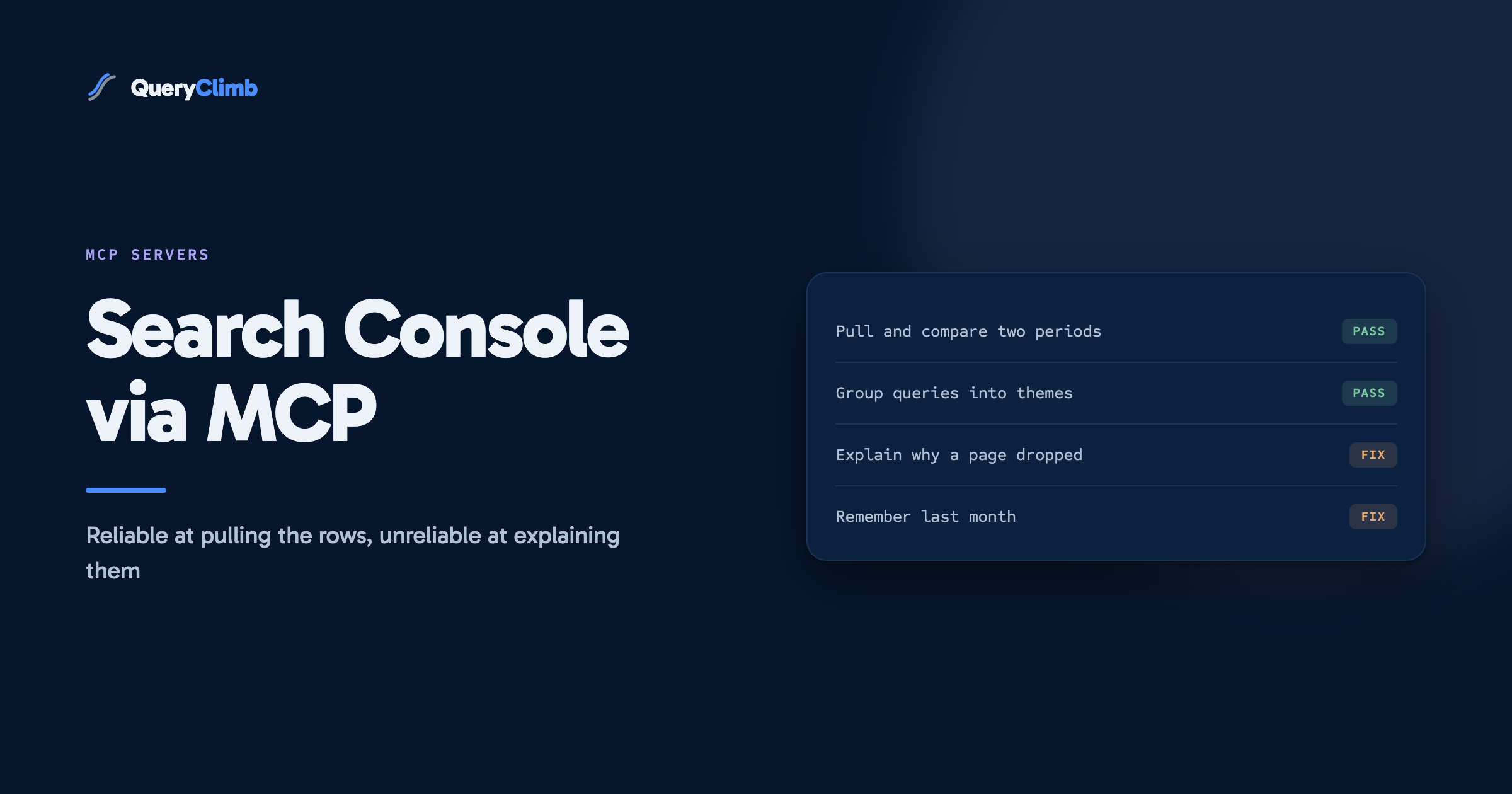
An MCP server is a small adapter that lets an AI model query your Search Console account directly instead of you exporting spreadsheets. Setup takes about twenty minutes through Google Cloud, and there is no official Google server, only community ones. It is very good at pulling and reshaping data, and unreliable at telling you what the data means.
An MCP server for Google Search Console is a small program that sits between an AI model and the Search Console API, so you can ask Claude or ChatGPT a question in plain English and have it pull your real search data to answer. No export, no spreadsheet, no pivot table. You ask which queries lost clicks last month, and the model runs the query against your own property and comes back with rows.
That is the promise. Having run one against our own store for a few months, the useful version of this post is the part nobody writes: where it works, where it does not, and whether it replaces anything you are currently paying for.
What is MCP, in one paragraph?
MCP stands for Model Context Protocol. It is an open standard, published by Anthropic in late 2024 and now supported by most major AI clients, for connecting language models to external tools and data. You can read the specification if you want the detail. The practical summary: before MCP, every AI app needed bespoke code for every data source it touched. With MCP, a data source publishes one server and any compliant client can use it.
A Search Console MCP server is therefore a thin wrapper. It exposes the Search Analytics API as a handful of tools the model can call, translates the model’s request into an API call, and hands the rows back. The intelligence is not in the server. The server is plumbing.
Why connect Search Console to an AI model at all?
Because the tedious middle of the job disappears. The Search Console interface is good at showing you one filtered view at a time and bad at everything that comes after: comparing two periods properly, grouping queries into themes, or joining the query report against the pages report.
Running a speciality coffee roastery, our monthly review used to mean exporting three reports, pasting them into a sheet, and writing formulas to work out which pages had slipped. With an MCP server connected, the same review is a question: pull the last 28 days against the previous 28 days, show me pages that lost more than fifty clicks, and list the queries responsible for each. That returns in about forty seconds.
The second use is exploratory. Search Console’s filter interface makes you commit to a question before you can see the answer. Asking a model to group your queries by theme and count impressions per theme is the kind of question the interface cannot answer at all, and it is how we found that “how to store coffee beans” and its variants were pulling more impressions than any product query we had.
What the data showed us
The first genuinely useful thing our own connection surfaced was a grouping question, not a ranking one. Sorted query by query, our top informational terms looked like scattered small numbers. Grouped by theme, storage and freshness questions outweighed every commercial query on the site. The interface could not have shown us that, because it has no concept of a theme.
Which Google Search Console MCP servers are there?
There is no official one from Google. This is the first thing to know, and the thing most write-ups skip. Google publishes a Developer Knowledge MCP server, but that serves documentation, not your Search Console data. Every option for actual search data is community-built and open source.
The two that most people end up on are AminForou/mcp-gsc and ahonn/mcp-server-gsc. Both do the same core job, both are Python or Node packages you run locally, and both authenticate against your own Google Cloud project. There are also hosted options that hold your credentials for you and charge a subscription.
Our view: run it locally. The hosted versions save you the twenty-minute setup described below, and in exchange they hold an OAuth token that can read every property in your account. For a one-off saving of twenty minutes that is a poor trade. Read the source of whichever local server you pick before you run it, since it is going to hold credentials to your search data.
How do you set one up?
The setup is the same for either server, and the awkward part is Google Cloud rather than MCP. Budget twenty minutes the first time.
- Create a project in the Google Cloud console, or pick an existing one.
- Enable the Google Search Console API for that project. It is off by default and this is the step people miss.
- Create credentials. A service account is the cleaner option for a server you run yourself. Download the JSON key.
- Open Search Console, go to Settings and then Users and permissions, and add the service account’s email address as a user on the property. This is the step that is genuinely non-obvious, because a service account with an enabled API still sees nothing until you grant it access to the property itself.
- Install the server per its README, and point it at the JSON key.
- Register the server in your AI client’s config file. In Claude Code that is one command; in the desktop apps it is a JSON block naming the command and its arguments.
Then verify it before you trust it. Ask for total clicks over a period you already know from the interface, and check the two numbers match. If they do not, stop and fix that before asking anything harder, because every later answer inherits the error.
Worth knowing
The API applies the same privacy filtering as the interface. Rare queries are omitted from query-level results, so the sum of your per-query clicks will be lower than your reported total, sometimes by a wide margin. This is expected behaviour rather than a broken setup, and a model asked to reconcile the two will often invent a reason instead of telling you it cannot.
What can you actually ask it?
The questions that work are the ones where the model is reshaping data rather than judging it:
- Period comparisons. Which pages lost clicks against the previous month, sorted by loss.
- Grouping. Cluster my queries into themes and total impressions per theme.
- Cross-referencing. For every query where I rank between position 5 and 20, tell me which page currently ranks, which is the manual step at the heart of finding striking distance keywords.
- Filtering that the interface makes tedious. Queries containing a question word, above a hundred impressions, ranking below position 10.
- Anomaly spotting. Which pages changed position by more than five places this month.
The last one is worth a note. A model is genuinely good at scanning a few thousand rows for outliers, which is a task humans do badly and slowly. It is much less good at telling you why the outlier happened, and it will offer a reason regardless.
Where does it fall down?
Four places, and knowing them is most of the value here.
It states conclusions with the same confidence as data. Ask why a page dropped and you will get a fluent answer about search intent or a core update. The model has no access to anything that would let it know. It read a table showing a number went down. The rows are reliable; the reasoning about the rows is generated.
Long pulls get expensive and lossy. The API returns up to 25,000 rows per request. Push a large result into a model’s context and you pay for every token, and accuracy on arithmetic across a very long table degrades. Ask for aggregates and filtered subsets rather than raw dumps.
There is no memory between sessions. Last month’s analysis is gone unless you saved it. Every review starts from nothing, which means you cannot see a trend across reviews, only within one.
Nothing happens afterwards. The output is a chat message. Deciding what to write, writing it, publishing it and checking whether it worked are all still yours. This is the honest limit of the whole category: it is a faster way to look at the data, and looking at the data was never the bottleneck.
Key takeaway
Trust an MCP server for retrieval and reshaping. Do not trust it for diagnosis. If an answer explains a cause rather than reporting a number, treat it as a hypothesis you now have to check, because the model cannot distinguish between the two and will not warn you.
Is this a replacement for an SEO tool?
For pulling and slicing your own search data, largely yes, and we would rather say so than pretend otherwise. If your subscription exists mainly to give you a nicer view of Search Console, a free MCP server plus a model you already pay for does that job.
What it does not replace is the loop. A tool that only answers questions when asked cannot run weekly on its own, cannot remember what it recommended in June, and cannot tell you in September whether that recommendation worked. Our own system for blog SEO is a repeating cycle, and the analysis step is perhaps a fifth of it.
That gap is the reason QueryClimb exists. It runs against the same API, on a schedule, and keeps the history: Search Insights tracks whether a query is improving over months rather than reporting today’s number, and the content calendar turns the findings into dated work. You can see what came out of running that loop on a real store in our case study, and the pricing is public. If your need is genuinely ad-hoc questions about your own data, connect an MCP server instead and keep the money.
Frequently asked questions
Is there an official Google Search Console MCP server?
No. Google publishes an MCP server for its developer documentation, but not one for Search Console data. Every option that reads your actual search performance is community-built and open source, so read the code before granting it credentials.
Do I need a Google Cloud account to use one?
Yes, for any server you run yourself. You need a project with the Search Console API enabled and either a service account or an OAuth client. Hosted services skip this by holding credentials on your behalf, which is a security trade rather than a free lunch.
Is it safe to give an AI model access to Search Console?
The Search Console API is read-only for performance data, so a connected model cannot change your site or your settings. The real exposure is the credential itself. Keep the key local, grant it access to one property rather than the whole account, and prefer a server whose source you have read.
Why do the numbers not match the Search Console interface?
Usually privacy filtering. Google omits rare queries from query-level reports, so per-query totals sum to less than the overall total. Date range boundaries and the two to three day reporting lag account for most of the rest. Verify against a known figure before trusting a new setup.
How much of my SEO work can this actually do?
The retrieval and the reshaping, which is real time saved. It will not decide what to write, will not remember what it told you last month, and will not check whether any of it worked. Those are the parts that compound, and they stay manual unless something is running the loop for you.