The short answer
Filter Search Console to one query, switch to the Pages tab, and look for two URLs splitting the impressions or trading places week to week. That is cannibalisation. Fix it by re-pointing internal links, then differentiating intent, then merging, in that order. Never redirect away the page that earns money just because the other one ranks higher.
Keyword cannibalisation is two or more of your own pages competing for the same search query. On a content site that is an annoyance. On a Shopify store it is a revenue problem, because the two pages competing are usually a blog post and a collection page, and the collection page is the one with the add-to-cart buttons.
The generic guides on this topic are written for blogs, where every page is the same kind of page and the worst case is a slightly lower position. They tell you to merge and redirect. Do that on a store without checking which page converts and you will watch sessions hold steady while revenue drops, which is the most confusing dashboard a store owner can be handed.
This is the store-specific version: what actually counts as cannibalisation, how to find it in Search Console for free, and the four patterns worth knowing, each of which wants a different fix.
What counts as cannibalisation, and what does not
Three conditions have to hold at once. If any one is missing, you have something else, and the fix for something else is usually to do nothing.
- Two of your URLs get impressions for the same query. Not similar queries. The same one.
- The two pages serve the same intent. A product page and an article about how to use that product both mentioning “cast iron skillet” is not competition. They answer different questions and Google is happy to rank both.
- The result is worse than one page alone would manage. Either the position sits lower than the stronger page reached on its own, or the URL Google shows flips between the two from week to week.
That third condition is the one everybody skips. Google ranking two of your pages for one query, stably, with one of them in the top three, is not a problem. It is two listings. Chasing that with a merge and a redirect trades a good outcome for a coin toss.
Worth knowing
Flip-flopping is the real signal. If the URL Google shows for a query changes from one week to the next, Google cannot decide which of your pages answers it, and the position usually sits worse than either page could reach alone. Stable dual ranking is fine. Instability is the thing to fix.
Why Shopify stores cannibalise more than blogs do
A blog has one kind of page. A store has four, and they all compete in the same index.
Products, collections and articles share one namespace. A query like “best cast iron skillet” can plausibly be answered by your collection page, your best-selling product page, and the guide you published last month. Google will pick one. It does not always pick the one you would.
Collections overlap by design. Most stores end up with a “cast iron” collection and a “kitchen essentials” collection holding largely the same products, both optimised around overlapping phrases. That is merchandising working as intended and SEO quietly working against itself.
Tag-filtered collection URLs are real pages. Shopify handles sort parameters sensibly, but /collections/supplements/vegan is a genuine indexable URL with its own content. A store with a rich tag structure can generate dozens of near-identical collection pages without anyone deciding to.
Articles are written from keyword lists, not from the store’s own data. This is the biggest cause and the most avoidable. An article commissioned around a phrase your collection page already ranks for is cannibalisation created deliberately, just not knowingly.
How to find it in Search Console in fifteen minutes
No tool required. Search Console holds every fact you need, because it reports which of your URLs actually received impressions for a query rather than estimating it.
The single-query check, for when you suspect a specific problem:
- Performance, Search results, last three months.
- Queries tab. Click the query you care about, which applies it as a filter.
- Switch to the Pages tab, still filtered.
- Read the list. One URL with the impressions means you are fine. Two or more URLs each holding a meaningful share is a candidate.
- Add a date comparison, three months against the previous three, on that same filtered view. If the split shifts sharply between the two URLs, that is your flip-flop.
The bulk sweep, for finding problems you have not thought of. Export the last three months of query and page data together, then pivot: count the distinct pages per query, keep the queries with two or more, and sort by total impressions. The top of that list is your entire cannibalisation backlog, ranked by how much it costs you. On most stores it runs to a page and a half, and four or five entries account for nearly all of the damage.
The queries worth acting on first are the commercial ones, because those are where a wrong ranking URL costs money rather than just position. A query where your article outranks your collection page and the searcher wanted to buy is a leak with a number attached.
Four patterns, four different fixes
Almost every case on a store is one of these.
An article outranking a collection page for a buying query. The commonest and the most expensive. The article picked up the topical relevance and is now standing in front of the page that sells. Fix by de-emphasising the commercial phrasing in the article, adding a prominent link from the article to the collection with the commercial phrase as the anchor, and pointing internal links from elsewhere at the collection rather than the article.
Two articles answering the same question. Usually a guide written eighteen months apart by two different people or two different tools. Fix by merging: keep the URL with the links and the age, fold the unique material from the other into it, and 301 the loser. This is the case where the standard advice is right.
Two collections that mean the same thing to a searcher. Fix by making one the primary target for the phrase and re-pointing internal links and navigation anchors at it. Merging collections is a merchandising decision with revenue consequences, so treat SEO as an input to it rather than the reason for it.
Filtered collection URLs competing with their parent. Fix technically. Canonical the filtered variants to the parent unless a filtered page is deliberately targeting its own query and earning its own traffic, in which case give it real content and let it compete properly.
The order to try fixes in
Work down this list and stop at the first one that resolves it. The cheap fixes are also the reversible ones.
- Re-point internal links. Decide which URL should own the query, then make your own site agree with you. Anchors matter more than most store owners think, and this change costs nothing and can be undone in an afternoon.
- Differentiate the intent. Change the weaker page’s title, H1 and opening to target the adjacent query it should have targeted all along. Two pages, two queries, no conflict, no lost URL.
- Merge and redirect. Effective and irreversible in practice. Only for genuine duplicates, and only once you know which URL carries the links and the history.
- Canonical. For technical near-duplicates such as filtered collection URLs, not as a way to resolve an editorial decision you have not made.
- Leave it alone. Stable dual rankings and low-impression queries are not worth the risk. Doing nothing is a legitimate outcome and it is the right one more often than the guides admit.
What the data showed us
On our own store the fix that moved things most reliably was the least dramatic one: changing which page the internal links pointed at. Merges worked too, but they took weeks to settle and there was no way to undo one that turned out to be wrong.
The mistake that costs Shopify stores money
Here it is plainly, because it is the reason this article is store-specific.
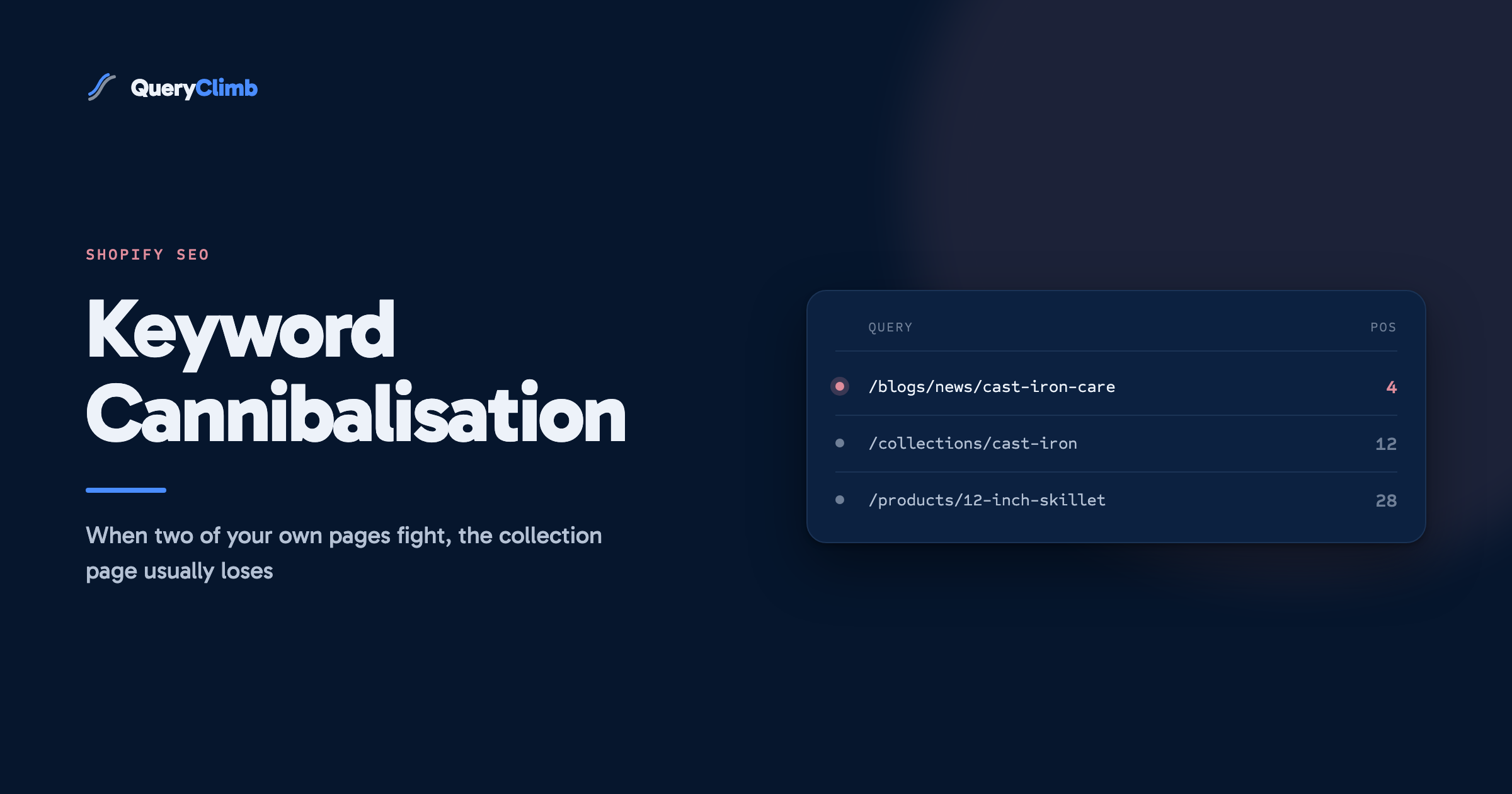
Your article ranks position 4 for a commercial query. Your collection page ranks position 12 for the same query. The standard advice says consolidate: redirect the weaker page into the stronger one. Follow it and you have just deleted a collection page, which means you have deleted a set of product listings, a merchandising surface, and every long-tail query that page was quietly ranking for and that never appeared in your analysis because you filtered to one query.
On a store, the direction of a consolidation is a commercial decision before it is an SEO one. Check what the losing page earns before you touch it. Sessions are a poor proxy for revenue at exactly the moment this decision gets made, and a page can be cheap in traffic and expensive to lose.
Preventing it beats fixing it
Every fix above is repair work on a problem that was created at commissioning. The check that prevents it takes about ninety seconds per planned article: before writing, search site:yourstore.com "the target query" and run the same phrase through your own store search. If anything plausible comes back, the brief changes from a new article to an update of the page that already exists.
That check is one stage of the weekly content system we run, and it is the stage that decides what not to write. The other half is knowing which queries are worth targeting at all, which is what the striking distance report gives you.
Doing this monthly without the spreadsheet
The manual version above works and costs nothing but an hour a month. The reason we automated it for ourselves is that an hour a month is exactly the kind of task that gets skipped in a busy quarter, and cannibalisation compounds silently while you are not looking.
QueryClimb runs the bulk sweep continuously against your Search Console data, flags queries where two of your URLs are splitting impressions, shows which page each one is, and blocks its own Blog Writer from commissioning an article for a query one of your pages already ranks for. The case study covers what the whole system did to one store’s traffic over eighteen months, and the pricing page covers what it costs. The find-and-fix method in this article is the same method either way. The tool removes the part where you have to remember to do it.
Key takeaway
Two pages ranking for one query is only a problem when the ranking URL is unstable or the wrong page is winning a commercial query. Check what the losing page earns before you redirect it, because on a store the losing page is often the one with the money on it.
Frequently asked questions
Is keyword cannibalisation a Google penalty?
No. There is no penalty and no manual action for it. What happens is milder and harder to spot: your relevance signals split across two URLs, Google picks one with less confidence, and the position lands lower than a single consolidated page would have reached. The cost is opportunity, not punishment, which is why it goes unnoticed for years.
How do I check for keyword cannibalization for free?
Search Console does it. Filter the Performance report to a single query, switch to the Pages tab, and read how many of your URLs received impressions for it. For a full sweep, export query and page data together and count distinct pages per query. Paid tools make this faster to look at, and none of them knows anything Search Console does not.
Should I redirect the losing page or just leave it?
Redirect only when the two pages genuinely duplicate each other and one is clearly stronger. If the pages serve different intents, re-target the weaker one instead. If the losing page is a collection or product page that earns revenue, do not redirect it at all until you have checked what it earns, and then usually still do not.
Can two of my pages rank for the same keyword on purpose?
Yes, and it is a good outcome when it is stable. Two listings on page one take up more of the result than one does. The version to worry about is the unstable one, where the URL Google shows changes week to week and the position sits worse than either page managed alone.
Do Shopify product variants cause cannibalisation?
Rarely. Shopify points variant URLs at the parent product with a canonical tag by default, so they consolidate correctly unless a theme has broken the canonical. The real duplication risk sits in tag-filtered collection URLs and in overlapping collections, both of which stores create themselves.