The short answer
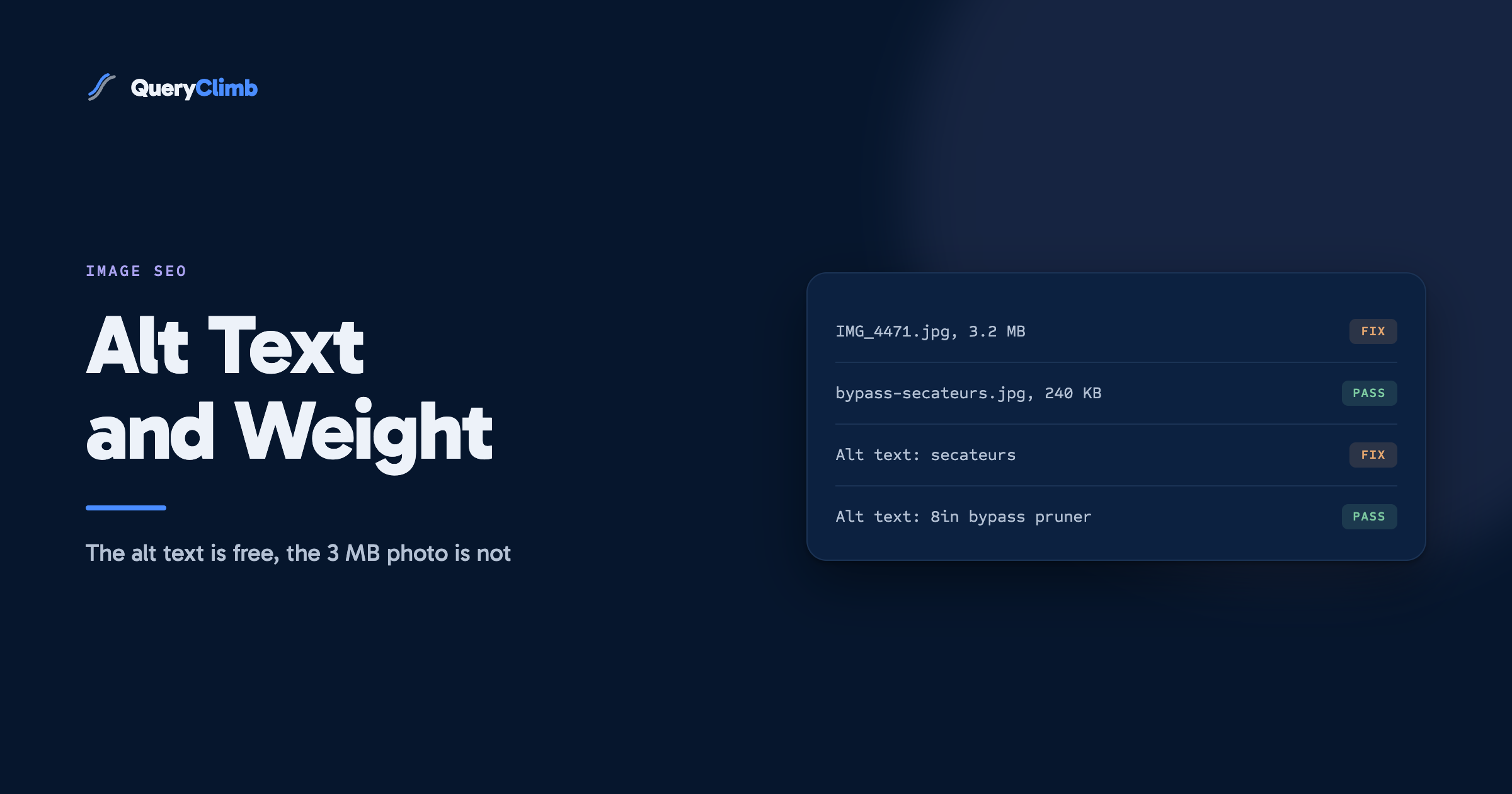
Write alt text that describes the image for someone who cannot see it, in a sentence, once per image. It earns you accessibility and a little Google Images traffic, not rankings. The image work that changes your rankings is weight: uploading a 3 MB photo where a 200 KB one would do is the most common technical mistake on a Shopify store, and Shopify will not fix it for you.
Every Shopify SEO checklist tells you to add alt text. Almost none say what it is worth, which is why stores spend a Saturday filling four hundred alt fields and see nothing change. Alt text is worth doing. It is worth about twenty minutes a month, and the honest ranking return is small.
The image work that does move numbers is duller: the size of the files you upload. Shopify will happily serve the 3.2 MB photo your camera produced, on a phone connection, as the largest element on the page. That cost applies to every visitor, and unlike alt text it is invisible until you go looking.
This post covers both, in the order they deserve your time. Examples come from a garden tools store because images matter more in categories where the product looks like something.
What is alt text on Shopify, and where does it go?
Alt text is a short description attached to an image, written for someone who cannot see it. On Shopify you set it per image in the product media editor: hover the image, click the alt text button, type the sentence. Theme, collection and blog images each have their own field in their own editor, which is why most stores have decent product alt text and nothing on their banners.
Your theme renders it as the alt attribute in the HTML. Screen readers read it aloud, browsers display it when an image fails to load, and Google reads it as one signal about what the image shows when deciding what to return in Google Images. That is the whole mechanism. There is no separate alt text ranking system, and no volume of alt text turns a thin page into a good one.
What should Shopify alt text actually say?
Describe the image, in a sentence, as if reading it to someone on the phone. Then stop.
Good: “Bypass secateurs cutting a rose stem, blade close up.” Bad: “secateurs”. Also bad: “secateurs pruning shears garden secateurs best secateurs UK buy secateurs online”.
Three rules that cover almost every case:
- Describe what is in the frame, not what the page sells. If the photo is a close-up of the blade, say so. Alt text repeating the product title on all eight product photos tells Google the same thing eight times, which is the same as telling it once.
- Keep it to roughly a sentence. Screen readers read the whole thing without punctuation pauses, and a paragraph of keywords is a hostile experience for the person the field exists to serve.
- Leave decorative images empty. A background texture, a divider, a spacer graphic. An empty
alt=""tells a screen reader to skip it, and describing it aloud is worse than silence.
For product photos, the useful pattern is product plus what the shot shows: “Stainless steel border spade, blade and tread detail”, “Long handled loppers held at full extension”. Each one differs, each one is true, neither is stuffed.
Worth knowing
Shopify’s alt text field is also what most theme lightboxes and some apps use as a visible caption. Keyword-stuffed alt text does not just read badly to Google, it can appear on the page in front of a customer. Check one product on your live theme before you bulk-edit four hundred.
Does alt text help you rank?
It helps you rank in Google Images, a little. It does close to nothing for your ranking in normal web search.
This matters because the two are worth different amounts. Google Images traffic converts poorly for most stores: people are browsing pictures, not buying, and many never click through at all. The exception is genuinely visual queries, where somebody searching “what does box blight look like” or “types of pruning saw” wants to see the thing before they buy it. If your category has queries like that, image traffic is real and alt text plus a descriptive filename is how you compete for it.
For everything else, the alt attribute is one weak signal on a page whose title, headings and body copy are saying the same thing louder. Filling it in is table stakes and accessibility compliance: worth doing, never worth a weekend.
The honest test is your own data. Open Search Console, switch the search type filter from Web to Image, and look at what you already get. Most stores find a few hundred impressions and a handful of clicks. Some find a real channel. Same principle as the striking distance workflow: decide from your own numbers, not someone’s checklist.
What image file names and sizes does Shopify want?
Filenames should be readable words with hyphens: bypass-secateurs-8-inch.jpg, not IMG_4471.jpg. Google’s own image documentation names the filename as a signal, it costs nothing at upload time, and it is unfixable later without breaking URLs. Rename before you upload, not after.
Size is worth understanding properly, because Shopify’s answer is more capable than most stores realise. It accepts images up to 20 MB and 5000 by 5000 pixels, and serves every one through its CDN with on-the-fly resizing, so a theme requesting a 600 pixel wide version gets a 600 pixel wide file rather than your original. Modern themes do this through the image_url filter with a width parameter, and Shopify converts to WebP automatically for browsers that support it.
So the platform is doing a lot for you. What it does not do:
- It does not shrink your original before storing it. A 4000 pixel photo uploaded for a 800 pixel slot still gets stored, and any theme or app requesting the unresized URL serves all of it.
- It does not fix a theme that omits the width parameter. Older and heavily customised themes often request the full-size image and let CSS scale it down, which downloads every one of those megabytes to a phone.
- It does not defer offscreen images unless the theme says so. Lazy loading is a theme attribute, not a platform default.
The practical rule: upload at roughly twice the largest size the image will ever display, in JPEG, compressed to around 200 KB for a product photo. Square 2048 by 2048 is Shopify’s own recommendation for product images and is comfortably enough for zoom. Anything above about 500 KB per image, on a page carrying a dozen, is a problem you can see in the numbers.
What the data showed us
On our own store, the largest single image weight offenders were never the product photos, which came from a supplier already compressed. They were the homepage banner and the two collection header images, uploaded once by a person in a hurry and then never looked at again. Three files, most of the mobile page weight.
How much do images really cost you in page speed?
On a typical Shopify product page, images are the largest element Google measures for Largest Contentful Paint, and LCP is one of the three Core Web Vitals. So the cost is direct and measurable, and you can check it in about a minute.
Run PageSpeed Insights on your busiest product page, mobile tab, and read two things: the LCP figure and the “properly size images” opportunity. If LCP is above 2.5 seconds and the image opportunity is measured in whole seconds, your images are the bottleneck and no amount of alt text will help.
Two caveats worth stating plainly. Core Web Vitals is a small ranking factor and Google has said as much, so fixing a 4 second LCP does not vault you past a competitor with better content. The reason to fix it anyway is that slow mobile pages lose customers before they lose rankings, and that cost lands immediately rather than in a quarter.
PageSpeed will also tell you, loudly, that your apps are slow. Usually true, usually not an image problem, and the answer is often uninstalling three things nobody uses.
Which image jobs are worth doing, and in what order?
Ranked by return per hour on a store that has not thought about images before:
- Fix the three or four heavy hero and banner images. Homepage banner, collection headers, any full-width lifestyle shot. Biggest single win, one afternoon, done once.
- Check your theme requests sized images. View source on a product page and look for width parameters on the CDN URLs. If they are missing, that is a theme fix worth paying a developer for, and it applies to every image on the site at once.
- Set a compression habit at upload. Resize and compress before uploading, every time. This is the one that stops the problem coming back, and it takes ten seconds per image.
- Write alt text on product primary images and anything in a blog post. Primary images first. The seventh angle of a spade handle can wait forever.
- Rename files going forward. Do not bulk-rename history. Those URLs are already indexed and the gain does not repay the breakage.
Notice what is missing: an alt text audit of every image on the store. That job is popular because it is easy to feel productive doing it, and it is the lowest-return item here.
Do you need an image SEO app?
Probably not, and specifically not for the bulk alt text generation most of them sell.
These apps do three things: generate alt text from the product title, compress existing images, and rename files. The first produces exactly the templated near-duplicate alt text described above, at scale. The second is genuinely useful if you have inherited hundreds of oversized images, though a free compression tool and an afternoon does the same job. The third carries URL breakage risk for a signal that barely registers.
So install a compression app, run it, check the result, uninstall it. Keeping one running permanently is paying a subscription to avoid a ten-second habit at upload. Same judgement we apply across the Shopify SEO app category: buy the tool for the bulk job you cannot do by hand, not for the ongoing job that is really a habit.
Key takeaway
Image weight is a technical problem you fix once and then prevent. Alt text is a small ongoing courtesy with a small ongoing return. Stores reliably do these in the wrong order because the second one feels like SEO and the first one feels like admin.
Where this sits in the rest of the work
Images are a maintenance task, not a growth strategy. No store has ever grown because of its alt text, and plenty have lost mobile customers to a homepage banner nobody compressed.
The work that grows a store is the loop in our Shopify blog SEO system: find what Google already shows you for, decide what to write, write it, link it, watch it. Images are a checkbox inside the drafting stage, and the case study behind our own store shows the traffic curve tracking content and internal links rather than anything technical.
Where QueryClimb touches images at all: Search Insights surfaces the image search type alongside web, so you can see whether image traffic deserves your attention, and Blog Writer fills alt text on the images in the posts it drafts, the one place the job is tedious at volume. The Content Calendar and Wise Links do the work that moves the graph. None of it compresses your homepage banner. That is still a person, once, with a free tool, and our pricing does not pretend otherwise.
Frequently asked questions
How long should Shopify alt text be?
Roughly a sentence, and under about 125 characters as a working ceiling. Some screen readers truncate longer text, and anything past a sentence is usually keywords rather than description. If the image genuinely needs more explanation, that belongs in the page copy where every visitor can read it.
Does alt text need to include my keyword?
Only if the keyword honestly describes the image. A close-up of a spade blade legitimately contains the words spade and blade. Forcing “best garden spade UK” into the alt attribute of a lifestyle photo is the pattern Google’s own image guidelines call out, and it makes the page worse for the people using a screen reader.
What is the best image format for Shopify?
Upload JPEG for photographs and PNG only when you need transparency, then let Shopify’s CDN convert to WebP for browsers that support it. Uploading WebP directly works and gains you little, because the conversion happens either way.
Should I add alt text to every image on my store?
To every image that carries meaning, yes, eventually. To decorative images, no: leave those empty so screen readers skip them. Start with product primary images and blog post images, where both the accessibility benefit and the image search benefit are concentrated, and let the rest accumulate as you touch pages anyway.
Will compressing my images improve my Google rankings?
Directly, barely. Core Web Vitals is a small factor and Google has been clear that content quality outweighs it. Indirectly, a mobile page that loads in two seconds rather than six keeps customers who would otherwise leave, and that shows up in revenue long before it shows up in rankings. Compress for the customers and take the ranking effect as a bonus.