The short answer
The commonest reason a Shopify product page does not rank is that its description came from the supplier and sits verbatim on every other retailer carrying the item. Rewrite the descriptions on the products that already collect impressions, check your titles and canonicals, then add schema. Doing it in the other order polishes a page Google has already declined to show.
Open the page for the same running shoe on five independent stores and you will read the same paragraph five times. The midsole foam gets the same two adjectives, the upper is described with the same phrase from the brand’s press kit, and the last line about the outsole is identical down to the comma. Every one of those retailers pasted the supplier’s copy, and every one of them wonders why their product pages sit on page four.
That is the single most common store SEO failure we see. Everything else on a product page, the schema, the metafields, the alt text, is worth doing and none of it rescues a page whose body text belongs to somebody else. This is what to fix, in the order that pays.
Why do my product pages not rank for their own product name?
Because the words on them are not yours, and because you are competing with the brand that made the thing.
Take a specialty running store listing a well-known daily trainer. The description is the vendor’s forty words about the midsole. Google now has one query and several hundred near-identical documents to choose between, and the tiebreakers it falls back on are domain strength, review volume and brand recognition. None of those favour an independent shop.
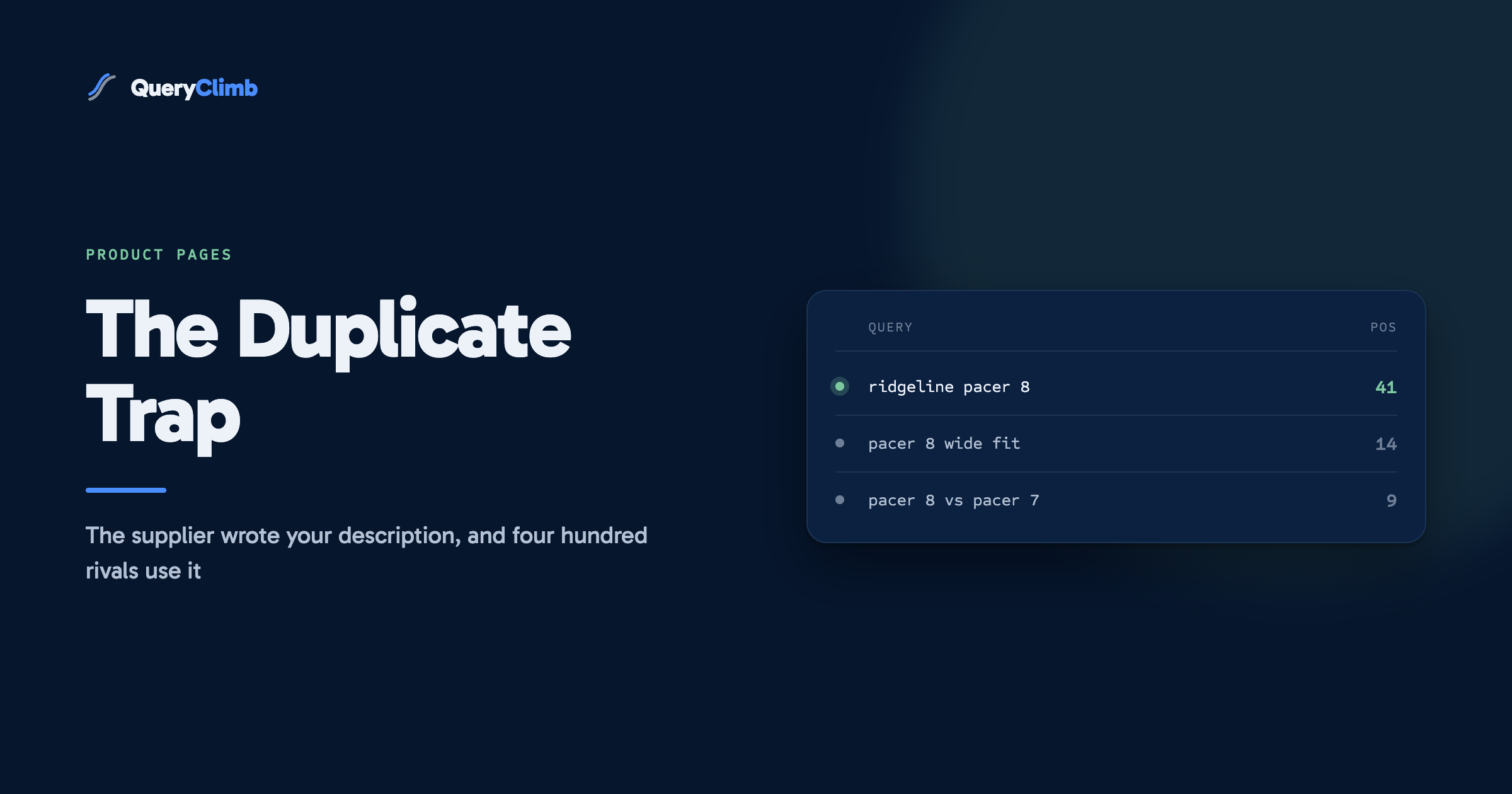
The second reason matters more for how you spend your time. For the exact model name, the manufacturer’s own page is usually the correct result, and an independent retailer outranking the brand there is rare enough not to plan around. What a retailer can win is everything hanging off the model name: the wide-fit question, the comparison against last year’s version, whether it suits flat feet or a heavier runner. The brand will not answer those honestly, because the honest answer is sometimes no. So the target is the model name plus the qualifier a real buyer types, and the copy has to earn it.
Worth knowing
Rewriting a description does not remove the page from competition with the manufacturer for the bare model name. It moves you into the qualified searches around it, which are lower volume individually and add up to considerably more traffic across a catalogue.
What should a Shopify product description actually contain?
The information a shopper needs to choose between this item and the next one along, written by somebody who has handled both.
In practice that is four things, roughly in this order:
- Who it is for, and who it is not for. A neutral daily trainer suits a runner logging steady miles who wants one shoe for most of them. It is the wrong shoe for someone chasing a parkrun personal best, and saying so costs you one sale and earns three.
- What differs from the model beside it on the shelf. The buyer is not comparing your shoe with nothing. They are comparing it with the two others in the same price band. Name them and explain the difference in a sentence each.
- Fit and sizing, including the thing customers get wrong. If it runs half a size small, or the toe box is narrower than last year’s version, that belongs at the top of the page rather than in a returns email.
- The honest limit. Every product has one. Naming it is the fastest trust signal on the page, and it is text no competitor has copied because no competitor wrote it.
Length is an output of that, never a target. A hundred and fifty words that answer the decision beat six hundred words of adjectives.
The best source of this copy is free and already in your inbox. Every question a customer emails before buying is a paragraph the page is missing.
Does duplicate content on Shopify product pages actually hurt?
Two different problems get called duplicate content, and only one of them is worth your afternoon.
The one that is not: Shopify serving the same product at /products/handle and at /collections/road-shoes/products/handle. Every current theme emits a canonical tag pointing at the /products/ version, and variant URLs canonicalise the same way. View source, search for rel="canonical", confirm it points where you expect, then stop thinking about it. Store owners lose weeks here because the problem feels technical and has a satisfying tidy shape.
The one that is: the supplier’s copy on your page and on four hundred others. There is no penalty involved, which is why stores misdiagnose it. It is a selection problem. Google has to pick one of the identical documents to show, and it is not picking you.
A third variety is worth checking while you are in there. Stores that publish each colourway as a separate product with the same description generate genuine internal near-duplicates that split whatever relevance the item has. Either collapse them into one product with colour variants, which is what the variant model is for, or give each one copy that says something different.
Do product titles and meta descriptions still matter?
Yes, and Shopify’s defaults quietly work against you.
The product title field does three jobs at once. It renders as the H1, it is the label in collection grids and in the cart, and by default it becomes the page title. Store owners trim it for the sake of the grid layout, and in doing so they drop the qualifiers people actually search for. The fix is to keep the product title short for the storefront and write the page title separately in the Search engine listing section, where you have room for the model, the qualifier and the category.
For the meta description, write it to earn the click rather than to hold keywords. Google rewrites a large share of them anyway, and the ones it keeps are the ones that read like a person describing the product to another person. Two lines: what it is, and the one reason a buyer picks it over the alternative.
One habit worth building: when you change a product title, check where the old wording appears in your collection copy and articles. Titles drift and the internal links pointing at them go stale quietly, which our internal linking guide covers sweeping.
Which product schema is worth adding, and what do AI answer engines read?
Most Shopify themes already emit Product schema with the name, image, description and an offers block carrying price and availability. Run a product URL through Google’s Rich Results Test before you add anything. Half the stores that install a schema app are adding a second copy of markup they already had.
What is genuinely missing more often than not: brand, the gtin or mpn identifiers, and aggregateRating where the review app injects ratings client side and Google may never see them. Shipping and returns details in the offers block are worth adding too, because Google uses them in merchant listings.
What is not worth it: adding FAQ schema to product pages hoping for extra space in the results. Google restricted FAQ rich results to government and health sites in 2023 and removed the feature entirely in May 2026. Write the FAQ as visible text on the page anyway, because shoppers read it and because answer engines extract from it, but expect nothing from the markup itself.
That last point generalises. Schema helps Google work out what entity your page is about and qualifies you for merchant listing formats. It is not what gets a page quoted by ChatGPT or an AI Overview. Those cite prose that answers a question in a sentence, which is a writing problem rather than a markup one. We covered the mechanics of that in getting a Shopify store cited by ChatGPT and Google AI.
What about product metafields?
Metafields are the right home for the structured detail that does not belong in flowing copy: drop, stack height, weight, materials, care instructions, compatible accessories.
The catch is that a metafield only counts for search if the theme renders it as text. It is entirely possible to fill fifty well-structured fields that no crawler sees, because the template never referenced them. View source, search for a distinctive value, and confirm it is in the HTML rather than only in the admin. Rendered properly, a spec table answers comparison queries directly and gives answer engines something clean to extract.
Which product pages should I fix first?
The ones already collecting impressions. Not the bestsellers, not the newest arrivals, and definitely not alphabetically.
Open Search Console, filter the Pages report to URLs containing /products/, take the last three months and sort by impressions. You want the pages with real impressions sitting at position 8 to 20: already judged relevant, losing on quality. A product page with 12 impressions and vendor copy can wait. A page with 900 impressions at position 14 is the highest-value hour in the store.
The full method for reading that report, including the filters and a prioritisation formula, is in our striking distance keywords walkthrough. The same list is what Search Insights builds automatically, sorted by opportunity rather than by impressions alone.
What the data showed us
Across six months of Search Console data on our own store, Supplements Wise, 88% of clicks came from blog articles rather than from product or collection pages. The product pages converted the traffic; the articles brought it. That split is why product page work is a fortnight of tidying rather than the strategy.
What product pages cannot do, however well you write them
They cannot win informational search, and no amount of description work changes that.
When somebody searches how to break in a new pair of shoes, or how often to replace them, Google wants an article. If it is currently showing your product page for that query, which happens constantly on stores with no content, it wants an article from you and has nothing better from your domain to offer. That mismatch is the best article brief a store ever gets, and it is free. The working system for turning those into posts is written up in full.
So the sequence is: fix the descriptions on the pages that already have impressions, get the titles and canonicals sane, add the schema that is missing, then move to content. Product page work has a ceiling and you reach it in a fortnight. Content does not.
We built QueryClimb because that content loop is repetitive rather than difficult. Content Calendar turns the mismatched queries into dated briefs, Blog Writer drafts them in your voice with the citations checked, and Internal Linking wires each new article back to the product page that was ranking before it existed. All of it can be done by hand with Search Console and a spreadsheet, and for a store with one product line that may well be the right call. The pricing page says where the tool starts paying for itself, and the case study dates every intervention on our own store.
Key takeaway
Order beats completeness. Twenty rewritten descriptions on the products that already collect impressions will out-earn a schema audit of the entire catalogue, and both will be out-earned by the articles you write next.
Frequently asked questions
How long should a Shopify product description be?
Long enough to answer the buying decision, which for most products is 120 to 250 words. The number is an output rather than a target. If you have written 400 words and every one of them is a fact a shopper would ask about, keep them. If you have written 400 words to hit a length someone recommended, the reader can tell and so can Google.
Can I use AI to write product descriptions?
Yes, if it is grounded in something. A model given a product title and asked for a description will produce fluent copy about a product it has never seen, and you have replaced one generic description with another. Feed it your spec sheet, your customer service questions and your own notes on how the item differs from the one next to it, then edit. The method never mattered; the sourcing does.
Do I need to rewrite all my product descriptions?
No, and trying to is how the project stalls at product 40 of 300. Sort by impressions in Search Console and rewrite the top 20, then the next 20 next month. Most catalogues have a long tail that gets no search interest at all, and copy on those pages is a merchandising job rather than an SEO one.
Does adding a blog help product pages rank?
Indirectly, and it is the larger effect. Articles rank for the informational queries product pages cannot win, they attract the external links product pages rarely earn, and they pass relevance to the products they link to. The store that ranks for its category almost always got there through content, with the product pages catching the traffic further down.
Should each colour variant be its own product?
Usually not. Use one product with colour variants, which gives you a single page accumulating relevance rather than eight thin pages splitting it. Separate products only make sense when the colourways attract genuinely separate search demand and each one gets its own copy, which in most catalogues is nobody.