The short answer
Use a 301 when a URL has moved for good and a 302 when the old URL is coming back. Google treats a 301 as a signal that the new URL should be the one indexed, and treats a 302 as a signal to keep the old one. The expensive mistake is a 302 on a permanent move, because Google can keep showing the old address for weeks while you think the move is done.
Every redirect answers one question for the browser and the search engine: is this move permanent? A 301 says yes. A 302 says no, the old address is coming back. Those three digits decide which of the two URLs Google puts in its results.
Most of the time this never comes up. Shopify’s own URL redirect tool issues permanent redirects, and our guide to Shopify redirects covers when to create one and where it should point. This post is the part that guide answers in a single FAQ: what the codes mean, what Google does with each, and how a store ends up sending the wrong one without anyone deciding to.
The examples come from a kitchenware store selling cast iron skillets, Dutch ovens and the oils and scrapers that go with them. The same pan gets renamed and relaunched often enough to throw up both kinds of move.
What is the difference between a 301 and a 302 redirect?
A 301 tells the client the resource has moved permanently, and a 302 tells it the move is temporary and the original URL should still be used in future. Both send a visitor to the same place. The difference is entirely in what the browser caches and what the search engine indexes.
The definitions live in RFC 9110, the HTTP specification. It defines 301 as “Moved Permanently” and 302 as “Found”, which is the old name for a temporary move.
The difference shows up in two places a visitor never sees:
- In the browser cache. Browsers remember a 301 and skip the old URL on the next visit without asking the server. A 302 is checked every time. That is why a 301 you regret is hard to undo for people who already followed it.
- In the search index. Google uses the redirect type to decide which URL is canonical, the one that appears in results and collects the signals.
How does Google treat a 301 compared with a 302?
Google treats a permanent redirect as a strong signal that the target URL should be canonical, and treats a temporary redirect as a signal that the original URL should stay in its index. That is stated directly in Google’s page on redirects and Google Search, which groups 301 and 308 as permanent and 302, 303 and 307 as temporary.
In practice, for the cast iron store:
- Rename
/products/skillet-10to/products/cast-iron-skillet-10-inchwith a 301, and Google moves the listing to the new URL. The old one drops out and the new one inherits what the old one had earned. - Do the same rename with a 302, and Google is being told the old URL is the real one. It can keep showing
/products/skillet-10in results, with the redirect doing the work of getting the visitor to the right page.
The second case breaks nothing a customer would notice, which is why it goes unfixed. The cost is that the URL you are building links towards is not the one Google is ranking.
Google’s page on consolidating duplicate URLs lists redirects alongside canonical tags as strong canonical signals, and it also says these are hints rather than rules. A long-standing 302 on a move that looks permanent may end up treated as one, but that relies on Google guessing what three digits would have told it.
Worth knowing
The old advice that a 301 “loses” some fraction of link value compared with a direct link does not match what Google now says. Its redirects documentation describes a permanent redirect as a strong signal that the target should become canonical, with no mention of a toll. The real losses come from chains, loops and redirects to pages that do not match what the old URL was about.
When should you use a 302 redirect?
Use a 302 only when the original URL is coming back and should keep its place in search while it is away. For a store that is a short list:
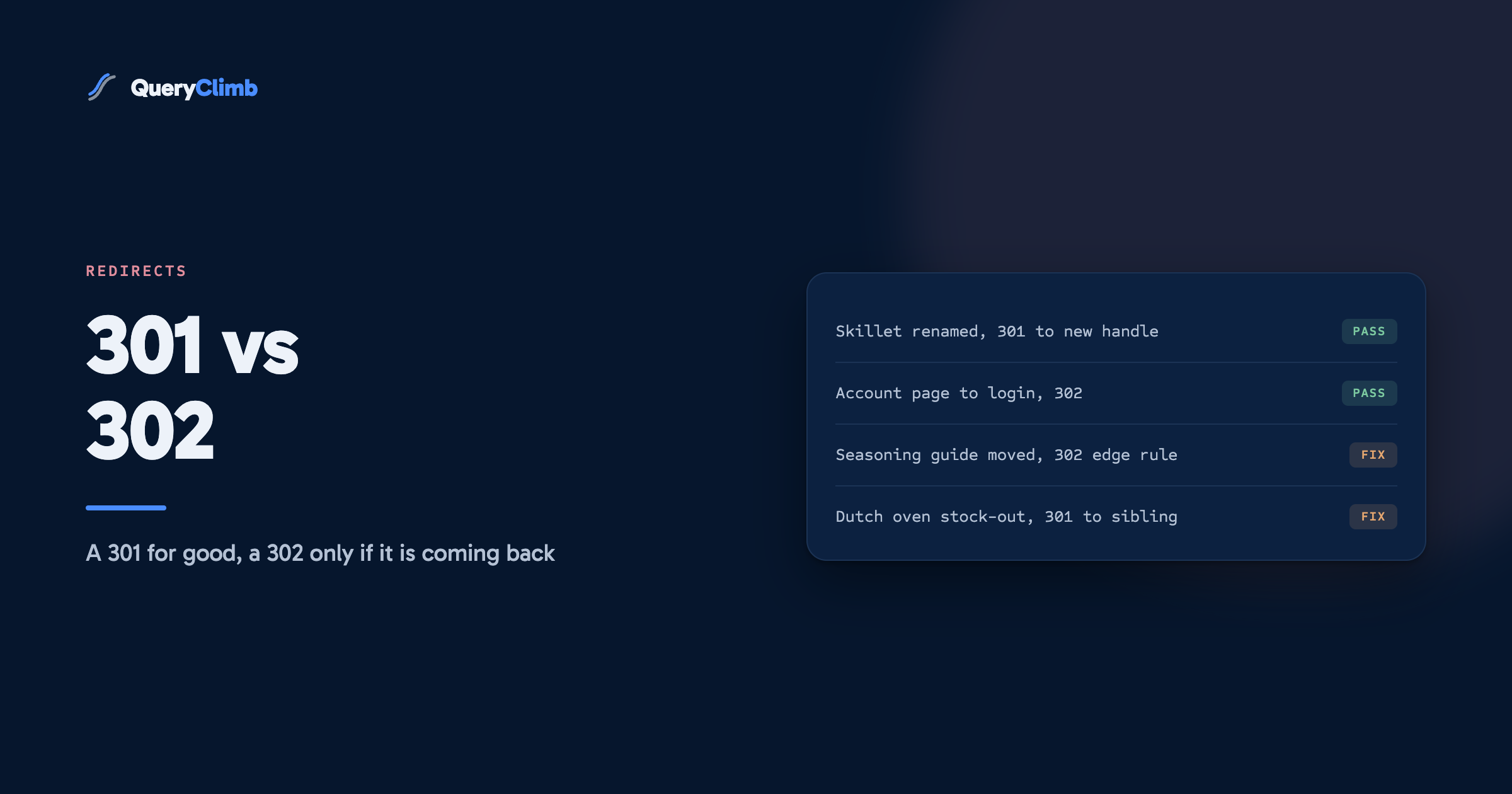
- A Dutch oven is out of stock for two weeks and you want to send people to its larger sibling in the meantime. Although, as the redirects guide argues, leaving the page live and marked as unavailable is usually better than any redirect.
- A seasonal gift guide URL that points at this year’s version for December and goes back to an evergreen page in January.
- Pages that depend on the visitor rather than on the content: the account page sending a signed-out visitor to log in, or the cart sending them into checkout.
That last group is where a store sends most of its 302s, and they are correct. On our own store the /account and /cart/checkout paths both answer with a 302, because those destinations depend on who is asking. A crawler report flagging 302s on paths like these is describing the platform doing its job.
What is not on the list: a product renamed, a collection merged, a blog post rewritten under a new slug, a move from one domain to another. Every one of those is permanent, and every one wants a 301.
What are 307 and 308 redirects, and do they matter for a store?
A 307 is a temporary redirect and a 308 is a permanent one, and they differ from 302 and 301 in one technical detail: they forbid the browser from changing the request method. Google treats 308 like 301 and 307 like 302 for indexing, so for SEO purposes you can read them as the same pair.
The method detail comes from the HTTP specification. Under RFC 9110, a client following a 301 or 302 after submitting a form may switch the request from POST to GET, which historically browsers did. A 307 or 308 requires the client to repeat the same method. That matters for form submissions and APIs, not for product pages.
Where a store owner meets a 307 is usually in a browser’s developer tools. Browsers show an “internal” 307 when a site sends the HSTS header that forces HTTPS: the browser rewrites the request itself before it ever reaches the server. Test with curl, which does not apply that rule, before chasing it.
How do you check whether a redirect is a 301 or a 302?
Request the old URL and read the status line of the response. The fastest way is one command:
curl -sI https://yourstore.com/products/skillet-10 | grep -iE "^HTTP|^location"The first line comes back with the code, and the location line shows where it points. 301 or 308 is permanent. 302, 303 or 307 is temporary. A 200 means the old page still exists and no redirect fired at all, which on Shopify usually means a draft or duplicate is still answering on that path.
Three habits make it useful:
- Check the whole chain, not the first hop. Add
-Lto follow every redirect and print each status line. A 301 to a URL that 302s somewhere else is a temporary redirect at the end that matters. - Check the host variants. The
http://andwww.versions should each answer with a single 301 to your canonical root. A domain wired through a third party DNS or proxy service is where a 302 tends to slip in. - Check what Google saw. URL Inspection in Search Console shows the canonical Google chose. If a URL you redirected months ago is still reported as canonical, the redirect is not the one you think it is.
What the data showed us
When we checked our own store’s responses with curl on 21 September 2026, the platform’s defaults were right: a single 301 hop from each of the http and www variants to the canonical root, and 302s only on the account and checkout paths, where the destination depends on the visitor. Nothing needed changing, so if a wrong code turns up on a Shopify store, look first at whatever sits around the platform.
Where do 302s that should have been 301s come from?
From anywhere that is not your platform’s own redirect tool, which knows the job is permanent. The usual suspects:
- Redirect and geolocation apps. Tools that decide where to send a visitor at request time tend to use a 302, which is wrong for a URL that has moved for good.
- Proxy and CDN rules. Forwarding rules in a DNS or edge provider ask you to pick the code, and whoever set up the
wwwto root rule in a hurry can pick the wrong one. - Server code on a headless build. Many web frameworks default to a temporary redirect when no code is passed.
- Migrations done in two passes. The replatforming checklist in our guide to moving a store onto Shopify calls this out: temporary redirects put in during the switch because the developer meant to come back to them.
The cast iron version: the store relaunches its skillets under new handles through a bulk import, and those come out as 301s. But the old /pages/seasoning-guide went to the new blog post through an edge rule, as a 302, and that one page keeps its old URL in results for weeks while every internal link points at the new one.
Does a wrong redirect code hurt rankings?
It delays and confuses more than it damages. A 302 on a permanent move keeps the wrong URL in the index and slows the transfer of whatever the old page had earned. A 301 on a move that was genuinely temporary is harder to walk back, because browsers and Google both act on it as final.
Of the two, the 301 you did not mean is worse. Send a Dutch oven page to its replacement with a 301 for a fortnight’s stock-out, and Google starts consolidating the old URL into the new one; when the original is back, you are asking it to reverse the decision, and browsers that cached the 301 keep sending returning visitors to the substitute.
Neither mistake is a penalty. What you lose is time, recoverable in a few weeks once the code is right. Permanent moves get a 301 and stay in place; Google’s site move guidance says to keep redirects “generally at least 1 year”, and on a store there is rarely a reason to remove one at all.
How does this fit into running a store’s SEO?
Checking redirect codes is an audit task: once when you set up a domain, once after any migration or app change, and otherwise never. curl, URL Inspection and the Pages report in Search Console cover it, with no paid tool.
What is worth watching weekly is a moved URL that still earns impressions under its old address, often the first sign a redirect is not doing what you think. Our Search Insights module flags old and new URLs that both show up in the query data; the manual version is the Performance report filtered by the old URL, and it finds the same thing. Wise Links keeps internal links pointed at the live URL so a redirect is not doing that job, and the content calendar and Blog Writer cover the rest of the loop set out in the working system behind a store that ranks, which usually starts from striking distance keywords. QueryClimb automates the finding; the case study shows what it did for our store and pricing shows the cost. None of it is needed to get your redirect codes right.
Key takeaway
If the old URL is never coming back, send a 301. If it is coming back soon, prefer leaving the page live over any redirect, and use a 302 only when you must send people elsewhere in the meantime. Then check the actual response with curl, because the code your platform intended and the code the visitor receives are not always the same.
Frequently asked questions
Is a 302 redirect bad for SEO?
No, when it is used for a move that really is temporary. A 302 tells Google to keep the original URL indexed, which is what you want for a page coming back. It becomes a problem only when it is used for a permanent move, because Google may keep the old URL in results instead of the new one.
Does a 301 redirect pass full link value?
Google’s redirects documentation describes permanent redirects as a strong signal that the target should become canonical, which is how signals move to the new URL. What reduces that in practice is a chain of several hops, a loop, or a redirect to a page unrelated to the old one, which Google can treat as a soft 404.
How long should I keep a 301 redirect in place?
Google’s site move guidance says to keep them as long as possible and generally at least a year. For a store, the practical answer is to leave them indefinitely. A redirect list costs nothing to keep, and removing one reopens a dead URL that someone may still link to.
Can I change a 302 to a 301 after the fact?
Yes, and you should as soon as you notice a permanent move was sent as temporary. Change the rule, confirm the new code with curl, and use URL Inspection in Search Console to request that Google recrawl the old URL. Expect the canonical to switch over within a few weeks rather than overnight.