The short answer
Moving to Shopify does not cost you rankings by itself. Almost all migration traffic loss comes from URLs that were never redirected, or were redirected to the homepage instead of their real equivalent. Build the redirect map from a crawl plus a 16-month Search Console export, hand-check every URL that earned a click, and expect a dip of a few weeks rather than a collapse.
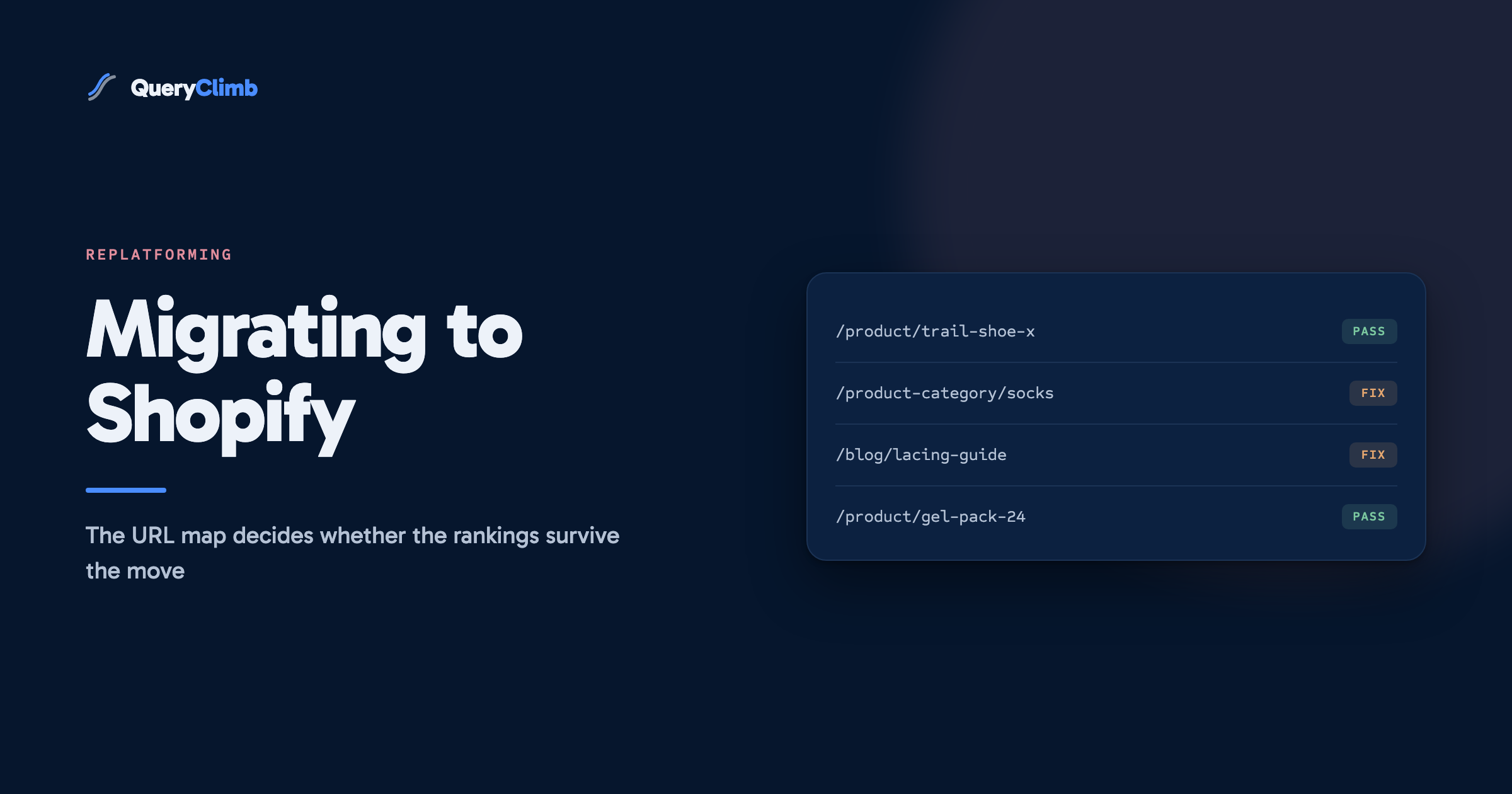
Replatforming is the riskiest thing you can do to a store’s organic traffic, and it is riskier than it needs to be. Nearly every store treats the URL map as a launch-week chore. It is the project. Everything else about the move is shopping cart software.
Migrations do not fail because Shopify ranks worse than WooCommerce or Magento. They fail because two hundred URLs that Google had crawled, indexed, ranked and linked stopped resolving on a Tuesday morning, and nobody found out for three weeks.
The running example throughout is an independent running kit retailer moving off WooCommerce: trail shoes, road shoes, socks, gels, and a blog of a few dozen how-to articles. Substitute your own catalogue as you read.
Does moving to Shopify hurt your SEO?
No, not by itself. Shopify’s technical defaults are fine: canonical tags, a generated sitemap, editable titles and meta descriptions, sane rendering. Google has no preference between ecommerce platforms and no way to reward one.
What hurts is everything that changes alongside the platform. Shopify imposes its own URL shapes and you cannot opt out of them:
- Products live at
/products/<handle> - Collections live at
/collections/<handle> - Static pages live at
/pages/<handle> - Blog posts live at
/blogs/<blog-handle>/<post-handle>
Coming from WooCommerce, your products were at /product/trail-shoe-x/, your categories at /product-category/trail-shoes/, and your posts at /how-to-lace-running-shoes/. Every URL on the site changes. That is the risk, and it is manageable if you treat it as the main event rather than a side effect.
What actually causes traffic to fall after a replatform?
The causes are the same five, roughly in order of damage:
- URLs nobody redirected. Usually the blog, because blog posts are not in the product export the developer worked from. Also filtered category pages that had quietly accumulated links.
- Redirects pointing at the wrong page. The catch-all rule that sends every unmapped old URL to the homepage. Google treats a redirect to an irrelevant page as a soft 404 and passes nothing. You have not preserved anything, you have only hidden the 404 from yourself.
- Content lost in the crossing. Category descriptions in particular. WooCommerce category copy does not import into Shopify collection descriptions, so a page that ranked on 300 words about trail shoe drop and lug depth arrives with a title and a product grid. We covered what collection page copy is worth separately, and a migration is where stores quietly delete all of it.
- Internal links gone. Old in-body links were absolute URLs to the old paths. They now bounce through redirects at best and 404 at worst. The link graph that took years to build gets flattened in an afternoon.
- Chains and temporary redirects. Old URL to interim URL to final URL, or 302s left in place because the developer meant to come back to them.
None of those is a Shopify problem. All five are project management problems.
Worth knowing
A blanket redirect of all old URLs to the homepage is worse than leaving them as 404s. A 404 tells Google the page is gone and prompts it to reassign what it can. A homepage redirect tells Google you have a mapping, then hands it a page that does not match the query, which is judged as a soft 404 and passes no ranking signal at all.
How do you build a redirect map that holds?
Build it from a crawl and a Search Console export, not from the platform’s own product export. The product export knows about products. Google knows about everything it ever indexed, which is a much longer list.
Three sources, merged into one sheet:
- A crawl of the live old site. Screaming Frog is free up to 500 URLs, which covers most independent stores. Export all indexable 200-status HTML URLs.
- The Search Console Pages report, 16 months, exported. The important one, because it carries clicks and impressions per URL. Sixteen months is the longest window Google gives you, so export it before you launch.
- The old XML sitemap, as a completeness check against the crawl.
Deduplicate into one sheet with columns for old URL, clicks over 16 months, impressions, new URL and status. Sort by clicks descending and work down.
Every URL that earned a click in 16 months gets a destination chosen by a person. That part does not automate, and it is what decides whether the migration works. For our running store it is maybe 250 rows and an afternoon.
Below the click line, pattern rules are fine:
/product/(.*)to/products/$1where handles were kept/product-category/(.*)to/collections/$1- Old blog paths to
/blogs/news/<handle>
Shopify takes the finished map at Content, then URL Redirects, then Import, as a CSV with two columns headed Redirect from and Redirect to. Both are paths rather than full URLs, and both must start with a slash.
Keep the handles identical wherever you can. A product that was trail-shoe-x on WooCommerce should stay trail-shoe-x on Shopify. It does not help Google, which follows the redirect either way, but it makes the map mechanical rather than manual.
Which old URLs can you safely drop?
Fewer than you think. Drop parameterised, filtered, sorted and paginated URLs, which were never meant to rank and mostly carry canonical tags pointing elsewhere already. Drop internal search result pages, and auto-generated tag archives with no traffic.
The one that gets stores into trouble is discontinued products. A shoe you stopped stocking two years ago still has its URL, and if it has backlinks or residual impressions it is an asset. Send it to the closest live equivalent, or failing that to its collection. Never to the homepage, and never to a 404 if links point at it.
For products only temporarily out of stock, keep the page live. Redirecting one you intend to restore means undoing the redirect later and re-earning the ranking, which takes longer than the stockout.
What the data showed us
On our own store, Supplements Wise, 88% of clicks across a six-month Search Console window came from 147 blog articles rather than from product or collection pages. A redirect map built from the product export would have carried the other 12% and dropped nearly everything that was earning traffic. Check where your clicks come from before you decide which export to work from.
What breaks specifically on Shopify?
Four things that surprise people who have only migrated content sites before.
Titles and metas do not come across. If you were running Yoast or RankMath, your hand-written titles lived in the plugin’s own database tables and no importer picks them up. Shopify falls back to a theme template. Re-enter them at minimum for your top hundred pages by clicks.
Alt text is usually lost. Images import as files; the alt attributes attached to them in the old CMS generally do not. Redo them at least for the product and article images that earn image search traffic.
Your blog handle is a one-time decision. The /blogs/<blog-handle>/ segment is fixed at creation, and Shopify’s default is news. Changing it after launch breaks every blog URL a second time, so pick it before you import a single post.
Password protection blocks crawling. Development stores are password-protected by default, and removing it is a launch step people forget for days, during which Google sees nothing. Check it on day one alongside robots.txt.liquid if your theme customises it.
One thing that looks broken and is not: Shopify serves every product at both /products/handle and /collections/x/products/handle. It canonicalises to the bare path automatically. Leave it alone, which is why it sits on our fake problems list.
What do you check on launch day?
Launch on a low-traffic weekday morning rather than a Friday evening, so a broken map costs you hours instead of a weekend. Then, in this order:
- Take the top 30 old URLs by clicks and request each one. Confirm it lands on the right page and returns a 301 rather than a 302 or a chain.
- Confirm the store is not password-protected and
robots.txtis not disallowing anything you want indexed. - Submit the new sitemap in Search Console.
- If the domain changed as well as the platform, run Change of Address. If only the platform changed, it does not apply.
- Crawl the new site and look at internal links. Any internal link returning a 301 is an old absolute URL still sitting in body copy, and every one should be edited to point at the new path directly.
That last check pays off for years. Redirected internal links work, but they are debt that makes every later audit noisier. Fix them while the list is short.
How long does recovery take, and what does a normal dip look like?
A dip of roughly 10% to 20% for two to six weeks is ordinary and self-correcting. Google has to recrawl every URL, follow every redirect and reassign the signal, and on a store with a few hundred pages that takes weeks rather than days.
A drop of more than half in the first week is not Google settling. It is a broken redirect map, and it is diagnosable the same afternoon:
- The indexing report, looking for a spike in Not found (404) and for old URLs sitting under Page with redirect that should have resolved.
- The Pages report filtered to old paths, showing which old URLs are still requested and getting nothing.
- A bulk status-code crawl of the old URL list.
Watch the recovery weekly with the same discipline as any other content work: pick the twenty queries that mattered most before the move and track their positions for six weeks. Our guide to striking distance queries covers the reporting setup, and the same report doubles as a migration monitor.
What comes after the traffic is back?
Rebuild the internal link graph, then get back to publishing. A migration is a good moment to do the linking properly rather than restoring what you had, because you are already inside every page. Wire the clusters back together, link collections from the guides that mention them, and fix the orphans the old site accumulated. That is the argument of our internal linking guide, with more force on a fresh install.
Then resume the ordinary weekly loop, which the platform underneath does not change: pull the signal from your own Search Console data, decide what to write and what to leave alone, publish, link, watch. The full system is written up here.
We built QueryClimb because that loop is repetitive rather than difficult. Search Insights surfaces the queries worth acting on, the content calendar turns them into a month of work, the blog writer drafts against the store’s own rules, and the internal linking tool wires each publish into the graph. Post-migration is where it earns its keep, because the recovery work is mechanical and there is a lot of it. The manual version above works perfectly well; the pricing page is honest that what you are buying is the hours, and the case study shows what the loop did on our own store.
Key takeaway
Budget the migration by the redirect map, not by the theme. If 250 of your URLs earned clicks in the last 16 months, that is 250 destinations a person has to choose, and it is the line item that decides whether the move costs you a quarter of traffic or a fortnight of it.
Frequently asked questions
Do 301 redirects pass all the ranking signal?
Google has said 301s pass full PageRank, and a well-mapped migration behaves that way. What does not survive is a redirect to a page that does not match the original intent: the signal arrives and is then discarded because the destination does not answer the query. Relevance of the target matters more than the status code.
How long should I keep the old redirects in place?
Permanently. There is no benefit to removing them and there is a real cost, because any external link built before the move stops working. Shopify’s redirect list is not a performance problem at store scale. If you must prune, wait a year and only remove rows with zero hits.
Should I try to keep my old URL structure on Shopify?
You cannot, and chasing it wastes the budget. The /products/, /collections/ and /blogs/ prefixes are fixed, and no store has lost a ranking to the word “collections” in a path. Spend the effort on the redirect map.
Is it worse if I change domain and platform at the same time?
More work, not more risk, provided you do both properly. One redirect map covers both changes and Change of Address handles the domain part. Doing them in sequence means two crawl-and-settle cycles instead of one, so combining them is usually the better call.
Do I need an agency to handle a Shopify migration?
For a store under a thousand URLs, no. The work is a crawl, an export, a sheet and a CSV import, and the judgement calls are about your own catalogue, which you know better than an agency will. They earn their fee on large catalogues with faceted navigation. If you do hire one, ask to see the redirect map before launch. If they cannot produce it, they have not done the job.