The short answer
Blocked by robots.txt means Google obeyed your rule and did not crawl the page, which is normally what you wanted. Indexed, though blocked by robots.txt means Google listed the page anyway, using only the links pointing at it, because robots.txt controls crawling and never controlled indexing. To get a page out of Google you remove the disallow and add a noindex tag, which is the opposite of what most people try first.
Two statuses in the Search Console Page indexing report mention robots.txt, they sit in different tables, and they call for different responses. “Blocked by robots.txt” sits under the reasons a page is not indexed and is usually working as intended. “Indexed, though blocked by robots.txt” sits under warnings and is Google telling you, politely, that the tool you reached for does not do the job you wanted.
Almost every robots.txt mistake I see comes from one assumption: that disallowing a URL takes it out of Google. It does not, it never did, and the second status exists to show you that it did not.
Examples run through a skincare store: serums, cleansers, an SPF fluid, a long ingredient glossary, and the pile of filtered collection URLs that comes with selling forty products across nine concerns.
What does “Blocked by robots.txt” mean in Search Console?
It means Google found the URL somehow, checked your robots.txt before fetching it, found a rule that disallowed it, and did not fetch it. The page is not indexed and Google has not read a word of it.
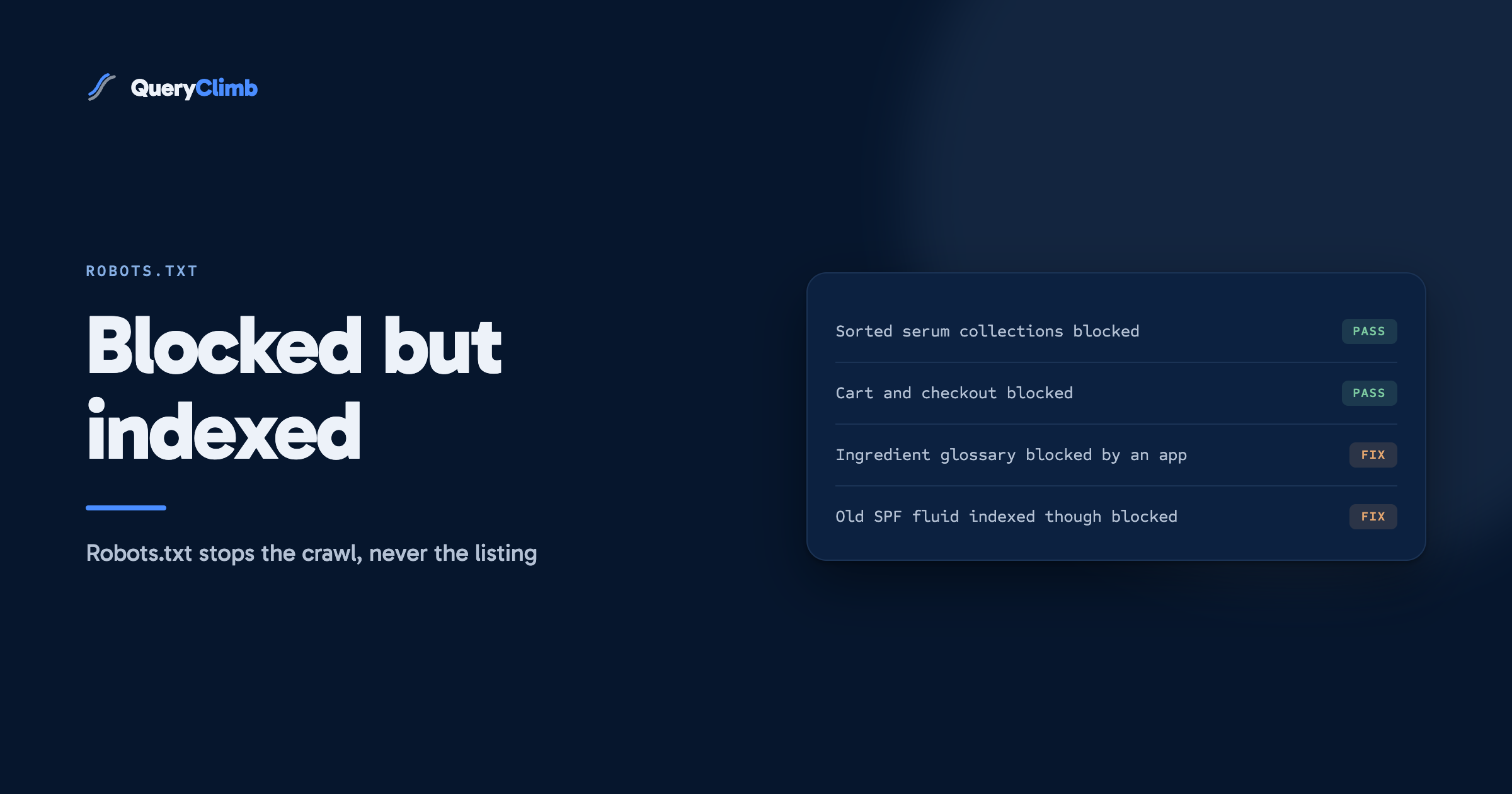
Google’s own Page indexing report documentation is blunt about this list, noting that URLs blocked by robots.txt are probably blocked on purpose and that you should use your judgement before fixing anything. On a Shopify store the bulk of the list is exactly that: carts, checkouts, account pages, internal search results at /search, and sorted or filtered collection URLs, all of which Shopify blocks by default. If your list is a few hundred URLs that look like /collections/serums?sort_by=price-ascending, nothing is wrong.
The rows worth a second look are the ones that surprise you. A product URL. A collection you sell from. The ingredient glossary you spent a fortnight writing. Those mean a rule is catching more than its author intended, and the page cannot rank while it sits there, because Google cannot read it.
What does “Indexed, though blocked by robots.txt” mean?
It means the page is in Google’s index despite the disallow rule. Google describes the situation directly in the same documentation: it will not request and crawl the page, but it can still index it using information from the page that links to yours, and any snippet shown in results will probably be very limited.
In practice the URL appears, the title is a guess assembled from link text or from the URL, and the description line says no information is available for this page. The result ranks for nothing, reads as broken, and sits in front of anyone searching your brand plus the wrong word.
It is a warning rather than an error because the page is indexed, which is not a failure in itself. Whether it is a problem depends on which outcome you wanted, and Google cannot know that.
Worth knowing
The two statuses can describe the same URL at different times. A page can sit under Blocked by robots.txt for months, then pick up one external link and move into Indexed, though blocked. Nothing changed on your site. Someone else linked to you.
Why does Google index a page it is not allowed to crawl?
Because robots.txt was never an indexing instruction. It is a crawling instruction, and the two are separate systems that people have been conflating since the file was invented.
The protocol says so. RFC 9309, which standardised the robots exclusion protocol in 2022 after decades as a convention, defines it as a way for service owners to control how automatic clients access their URIs. Access, not listing. No directive in the specification says “keep this out of search results”, because that was never what the file was for.
So when Google meets a link to your blocked URL it has two useful things without fetching anything: the URL, and the anchor text of whoever linked to it. If a beauty forum links to you with the words “the niacinamide serum that fixed my texture”, Google knows a URL exists and has a phrase attached to it. Thin, and enough to create an index entry. The disallow stopped the fetch and did nothing about the entry.
Does this mean Google ignored my robots.txt?
No, and this is the most common misreading of the status. Google states plainly that it always respects robots.txt. It did not fetch your page. It built a listing from outside information, which the rule you wrote says nothing about. Confirm it with URL Inspection: the coverage section will show crawling not allowed and the fetch blocked, where a quiet crawl would show a last crawl date and a rendered page.
The consequence is worse than most people assume. Because the page was never fetched, Google cannot see anything on it: not the canonical tag, not the structured data, not a noindex meta tag you added last week. The block makes the page invisible to every other signal you might use to control it.
Which of these statuses should you actually fix?
Most of them, neither. Here is the decision I run.
For a URL under Blocked by robots.txt: did you want this page in Google? If it is a cart, a checkout, a sorted collection or an internal search result, you are done. If it is a page you sell or rank from, a rule is catching it by mistake, and that is the only case worth your afternoon. On a skincare store I looked at recently, one Disallow: /pages/ line added by an app had taken out the ingredient glossary, the layering guide and the delivery page in a single save, unnoticed for two months, because none of those pages showed an error to a human visitor.
For a URL under Indexed, though blocked by robots.txt: two paths, and they are mutually exclusive.
- You wanted the page out of Google. The disallow is the wrong tool. Remove it and add a
noindextag, in that order, per the next section. - You wanted the page in Google and forgot it was blocked. Remove the disallow and stop there. The page gets crawled on a future visit and the listing fills in with a real title and description.
What the data showed us
The query “indexed though blocked by robots.txt” runs about 110 US searches a month at a difficulty of 6, and “blocked by robots.txt” about 140 at difficulty 14, from the research we ran on 23 September 2026. Both are easy because the answer is short and Google publishes it, which is also why a 4,000 word guide to either one would waste a morning.
How do you get a page out of Google properly?
You remove the robots.txt block first, then add a noindex rule, then wait for the page to be crawled. The order is the whole trick, and doing it backwards is the mistake that keeps pages listed for months.
Google’s documentation on blocking indexing with noindex states the constraint: the page must not be blocked by robots.txt, because if it is, the crawler never sees the noindex rule and the page can still appear in results if other pages link to it.
The sequence for the discontinued SPF fluid you no longer want listed:
- Delete the disallow rule that covers the URL.
- Add
<meta name="robots" content="noindex">to that page, or return theX-Robots-Tag: noindexheader. - Leave it alone. Google has to crawl the page to see the tag, on its own schedule.
- Check back in a few weeks. The status should move to “Excluded by noindex tag”.
If you cannot wait, the Removals tool hides a URL from results for about six months while the real fix takes effect. Treat it as an emergency measure for a leaked page rather than a solution. It expires, and if the page is still indexable when it does, the listing comes back.
How do you find the rule that is blocking a URL?
Start with URL Inspection, which will tell you crawling is disallowed. Then open the robots.txt report in Search Console, which shows the file Google last fetched for your host. That step matters more than it sounds, because the file Google has may not be the file you think you published.
Then read yourstore.com/robots.txt and find the matching rule. Two things trip people up. Longer rules win, so an Allow: /pages/ingredients/ beats a Disallow: /pages/ and the block is not always the first line that looks relevant. And only one user agent group applies, the most specific match, so a Googlebot group replaces the * group rather than adding to it. Google’s robots.txt reference sets out both.
On Shopify the file comes from a theme template, so your rules live in the theme rather than the store and publishing a different theme discards them silently. That mechanic, and the three edits worth making, are in the guide to editing robots.txt.liquid.
What causes this on a real store?
Four things, in the order I see them. An SEO or content app adds disallow rules during install and does not mention it. A developer copies a staging robots.txt, Disallow: / and all, onto the live theme. Someone blocks a thin page instead of improving or deleting it, then wonders why it is still listed. An internal search URL picks up a link from a forum and becomes an indexed result with no snippet.
Almost none of that is a robots.txt problem in origin. The file is where the symptom shows up. The cause is an app, a deploy, or a decision to hide a page rather than fix it. If a page is thin enough to hide, the honest options are to improve it, merge it, or delete it and redirect. Hiding leaves you a status to investigate a year later, next to the crawled, currently not indexed pages you also meant to deal with.
Key takeaway
Robots.txt answers “should you fetch this”. Noindex answers “should you list this”. Almost every problem in this topic comes from asking the first question when you meant the second one.
How does this fit into running a store’s SEO?
Open the Page indexing report once a month and read the two robots.txt rows as a pair. Scan the blocked list for anything you sell from, and the warning for anything you would be embarrassed to see in results. Five minutes, and most months it produces nothing, which is the correct outcome.
Do it monthly rather than never because the list changes without you. App installs, theme publishes and other people’s links move URLs between these statuses, and nothing in the Shopify admin tells you. The first sign is usually a page quietly losing every impression it had.
That check works by hand forever. What a tool buys is the noticing: QueryClimb watches these statuses and flags the ones that moved, so a blocked glossary arrives as a change rather than as something you spot in month four. Search Insights is where it surfaces and the pricing page says what it costs. If your store is forty products and you already read Search Console every Monday, you do not need it.
Frequently asked questions
Is “Indexed, though blocked by robots.txt” bad for SEO?
Bad for the page, harmless for the rest of the site. The page is listed with no snippet Google can trust, so it will not rank for anything competitive, and it cannot pass useful signals because Google has never read it. Google has published nothing to suggest the warning carries a site-wide penalty. Fix it because a blank listing is a poor result for your brand.
How long does it take for a page to drop out of Google after adding noindex?
Days to weeks, depending on how often Google crawls that URL. It has to fetch the page to see the tag and will not do it on demand. A product page linked from your main navigation is usually recrawled within days; an old post with no internal links takes longer. Requesting indexing through URL Inspection nudges it without guaranteeing anything.
Can I put noindex in my robots.txt file instead?
No. Google does not support a noindex directive in robots.txt and says so in its documentation on blocking indexing. Some crawlers honoured it informally years ago, it was never in the specification, and a file relying on it today looks busy while doing nothing. Use the meta tag or the HTTP header.
Does blocking a page in robots.txt stop AI crawlers from using it?
It stops the crawlers that respect the file from fetching it, the same limitation as with Google. Whether a blocked URL can still appear in an AI answer depends on the product, and most vendors document their crawler names rather than their indexing behaviour. Assume the same rule holds: if other sites link to the page with a description, it can still be mentioned. If the goal is to keep a page out of results and answers, remove the page.
Why does Search Console still show pages I blocked months ago?
Because the report lists URLs Google knows about, not URLs Google crawled recently. A blocked URL stays listed for as long as Google has a reason to think it exists, usually a link or a sitemap entry. If the page is genuinely gone, take it out of your sitemap and your internal links, return a 404 or 410, and unblock it so Google can see that response. The row clears eventually.