The short answer
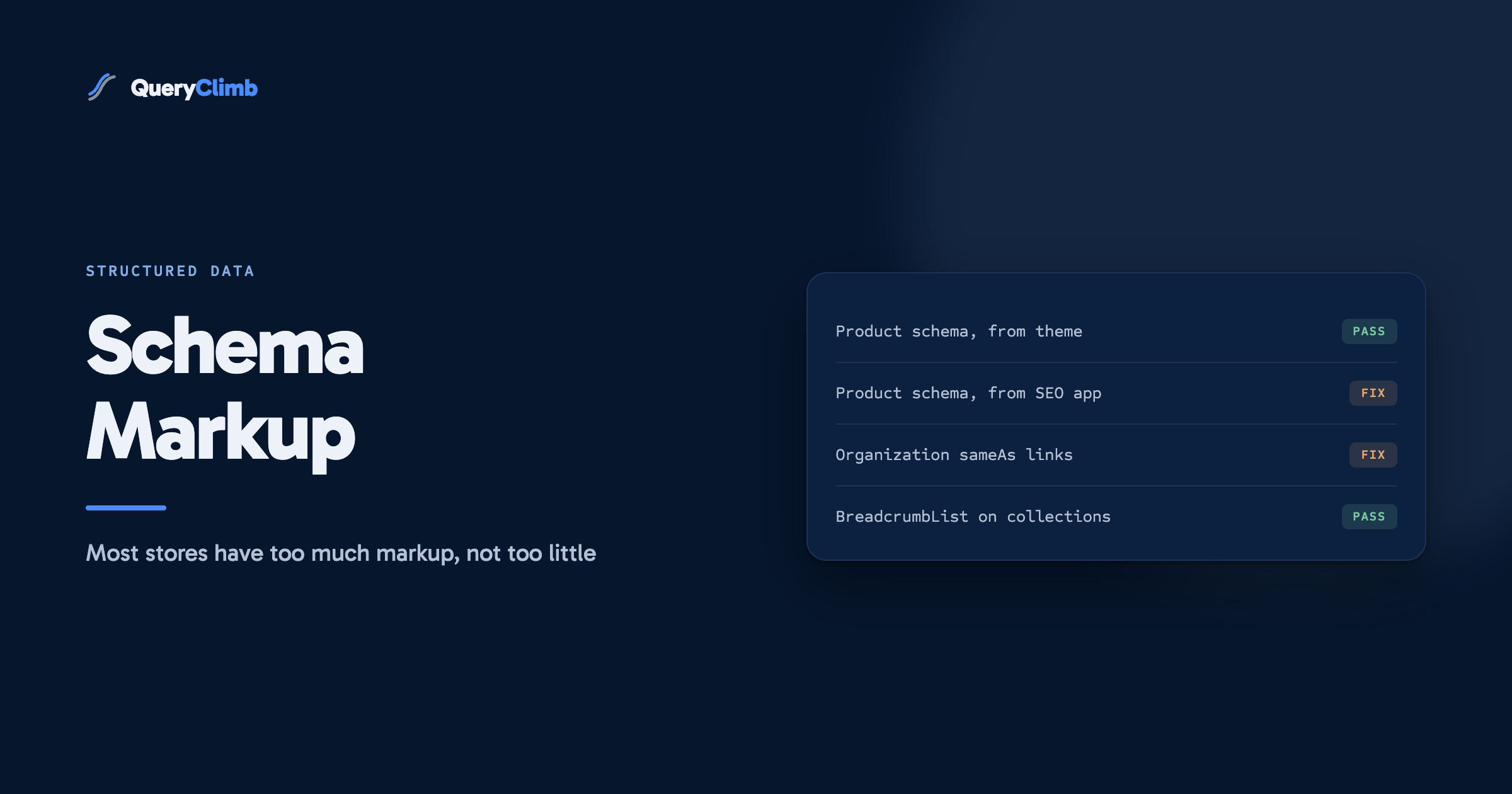
Your Shopify theme almost certainly already emits Product and WebSite markup, so test a live URL before you install anything. The two gaps worth filling on most stores are Organization schema with sameAs links and BreadcrumbList on collection and product pages. Duplicate markup from a theme plus two apps is far more common than missing markup, and no amount of schema gets you quoted by ChatGPT, which reads your prose.
Ask a Shopify store owner about schema markup and the answer is usually the name of an app. That is the wrong first move. Roughly every modern Shopify theme already emits structured data for products, and a large share of the stores that install a schema app end up with two or three copies of markup they already had, which is worse than having one.
Say you run a coffee roastery: whole bean single origins, a couple of grinders, some brewing kit. This is what to check on that store, in what order, and which of it changes anything. Examples below use that store throughout so you are not translating between verticals halfway down the page.
What schema markup does your Shopify store already have?
Test before you touch anything. Open Google’s Rich Results Test, paste in one product URL, one collection URL and your homepage, and read what comes back. That takes four minutes and it decides the whole project.
On a typical Shopify store you will find:
Productmarkup on product pages, with name, image, description and anoffersblock carrying price, currency and availability. Themes have shipped this for years.WebSiteand oftenOrganizationmarkup on the homepage, though the Organization block is frequently thin: a name and a logo, nothing else.BreadcrumbListon some themes and not others. This one is genuinely inconsistent.- Nothing at all on blog articles in a lot of themes, or a bare
Articleblock with no author.
If the test returns valid Product markup with price and availability, the highest-value schema on your store is already working, and the app you were about to install would mostly duplicate it. Spend the money on something else.
Worth knowing
The Rich Results Test only reports the markup types Google supports for rich results. Use the Schema.org validator alongside it to see everything on the page, including the copies Google is quietly ignoring. Stores discover their duplicate markup on the second tool, not the first.
Which schema types actually matter for a Shopify store?
Four, and the order matters more than the list.
Product earns its place because it feeds merchant listings, the price and availability shown in results, and the shopping surfaces. If your grinder page does not carry it, that is the first fix and probably a theme problem rather than a missing app.
Organization on the homepage is the one most stores are missing the useful half of. A name and a logo do nothing. What does something is a complete block: legal name, logo URL, the store URL, and sameAs links to every profile that belongs to you, meaning your Instagram, your YouTube channel, your Reddit account if you use one commercially, your listing on any marketplace. Search engines and answer engines are both trying to resolve “Ridgeback Coffee Roasters” into one entity they can recognise elsewhere. The sameAs array is you telling them the answer directly.
BreadcrumbList on collection and product pages describes where the page sits. Home, then Coffee, then Single Origin, then the Ethiopian Guji. It is cheap, most themes support it or can be made to, and it affects how the result renders.
Article on blog posts, with a real author pointing at a real author page. If your grind size guide is bylined to “Admin” or to nobody, you have thrown away the cheapest authorship signal available.
Everything else is optional. Review and AggregateRating matter if you have genuine reviews and your review app already injects them, which most do. LocalBusiness matters if you have a physical roastery with opening hours. HowTo no longer produces rich results on desktop or mobile since Google retired it, so add it because it describes your brewing guide accurately, not because it will win you space.
How do you add schema markup to Shopify without breaking anything?
Three routes, in ascending order of how much you should think before choosing.
Editing the theme is the cleanest if you are comfortable in Liquid. You add a JSON-LD block to theme.liquid or to the relevant template, populated from the object already in scope, and it costs nothing per month. The risk is that a theme update overwrites it, so record what you added and where.
Metafields plus a snippet suits stores that want per-product control without a monthly fee. You define the metafields once, fill them in the admin, and reference them from a snippet.
An app suits stores where nobody wants to touch code. This is a legitimate choice and you pay for it twice: once in subscription and once in the duplicate markup you now have to police. If you go this route, turn off the app’s Product schema when your theme already emits it. Almost no app does that check for you.
There is a fourth route people take by accident: installing an SEO app that adds schema as a side effect of some other feature, and forgetting. That is how a store ends up with three Product blocks on one page. We covered which apps do what in our comparison of the Shopify SEO apps.
Why do you have three copies of the same markup, and does it hurt?
Because three separate things wrote it: the theme, an SEO app and a reviews app, each acting reasonably in isolation. On the coffee store that looks like one Product block from the theme with the correct price, a second from the SEO app with a stale price cached at install, and a third from the reviews app carrying only the rating.
Whether it hurts depends on how contradictory the copies are. Google is reasonably good at picking one when they agree. When they disagree, and stale price data is the usual disagreement, you get the wrong price in the search result, which costs you clicks and can suspend a merchant listing. That is a real failure with a visible symptom, and it is the single commonest structured data problem we see on Shopify stores.
The fix is deletion. Decide which source owns each type, turn the others off, retest. It takes an hour and it is more valuable than any markup you could add.
What the data showed us
Our own store, Supplements Wise, ran a GEO fix batch in August 2026 that moved its audit score from 32 to 60, and structured data was one line item in it. Over the same period, 97% of the store’s impressions in Google’s generative AI features landed on blog articles rather than product pages. The markup helped Google understand the catalogue. The articles are what got quoted.
Do AI answer engines read your schema markup?
Partly, and not in the way most guides imply. ChatGPT, Perplexity and Google’s AI features work primarily from the rendered text of a page. What they lift into an answer is a sentence that answers the question, from a page that reads as though someone who knows the subject wrote it. No JSON-LD block makes a vague paragraph quotable.
Where structured data does help is identity and disambiguation. Complete Organization markup with sameAs links makes it easier for an engine to work out that the roastery, the Instagram account and the YouTube channel are one business, which affects whether you are recognised as an entity worth citing. That is a real effect and a slow one.
So the honest split is this. Schema helps machines classify you. Prose gets you quoted. If your goal is citations in AI answers, the schema audit is an afternoon and the writing is the actual job. We set out the mechanics of that in getting a Shopify store cited by ChatGPT and Google AI.
What schema is not worth your time?
FAQPage markup on product and collection pages, chasing extra space in the results. Google restricted FAQ rich results to government and health sites in 2023, then stopped showing them for every site from May 2026. Write the FAQ as visible text, because shoppers read it and answer engines extract from it, and expect nothing from the markup.
Marking up things that are not on the page. If your Ethiopian Guji listing has no reviews, AggregateRating claiming 4.8 from twelve ratings is a policy violation with a manual action attached. This sounds obvious and yet review apps have shipped it as a default.
Chasing coverage for its own sake. A store with fifteen schema types and manufacturer product descriptions has optimised the wrong layer entirely. The product page work outranks the markup work by a distance.
Hand-writing JSON-LD per product across a 300-product catalogue. Generate it from the objects your theme already has. If a task cannot survive your next catalogue expansion, it is not finished.
What order should you do this in?
Test first, delete second, add third, and do all of it after the content work rather than instead of it.
- Run three URLs through the Rich Results Test and the Schema.org validator.
- Remove duplicate and contradictory blocks until each type has one owner.
- Complete the
Organizationblock with realsameAslinks. - Add
BreadcrumbListif the theme lacks it, andArticlewith a real author to blog posts. - Retest, then check Search Console’s enhancement reports in a fortnight.
That is a morning’s work, once. What is not a morning’s work, and what actually decides whether the coffee store outranks the other coffee stores, is having pages that answer the questions people search. That comes out of your own Search Console data rather than a markup checklist, which is the workflow in our guides on striking distance keywords and the weekly blog SEO loop.
Key takeaway
Structured data has a ceiling and you reach it in a morning. Test what you have, delete the duplicates, complete the Organization block, then go and write the articles. Nobody ever out-earned a competitor on markup alone.
You can run every step above by hand with two free validators and an hour. QueryClimb does not do your schema for you; what it does is the part with no ceiling, turning your own Search Console data into the article queue through Search Insights and Blog Writer, which is where the compounding lives. The numbers from our own store and what a seat costs are both on the pricing page.
Frequently asked questions
Does Shopify add schema markup automatically?
Partly. Shopify itself does not inject structured data at the platform level; your theme does. Dawn and most modern themes emit Product and WebSite markup out of the box, older and heavily customised themes often do not, and blog article markup is the most commonly missing piece. Test a live URL rather than assuming either way.
Do I need a schema app for Shopify?
Only if you will not edit theme code and your theme is missing something that matters. If the Rich Results Test already returns valid Product markup with price and availability, an app mostly adds a second copy of it. Stores with a physical location, a large review corpus or a lot of per-product variation get more from an app than a simple catalogue does.
Will schema markup improve my Shopify rankings?
Not directly. Structured data is not a ranking factor; it qualifies you for result formats and helps search engines classify what your page is. The indirect effect is real but modest: better formatted results earn more clicks at the same position. If a page is not ranking, the cause is nearly always the content rather than the markup.
How do I check my Shopify schema markup for errors?
Use Google’s Rich Results Test for eligibility, the Schema.org validator to see every block on the page including duplicates, and Search Console’s enhancement reports for site-wide problems over time. The last one is the one people skip, and it is the only one that tells you a change broke something a fortnight after you shipped it.
Should blog posts on a Shopify store have Article schema?
Yes, with a real author. Article markup with an author pointing at a genuine author page, and an Organization publisher block, is the cheapest authorship signal you can add, and it matters more for answer engines than for Google’s blue links. A byline reading “Admin” is a wasted field on every post you have published.