The short answer
Duplicate, Google chose different canonical than user means your page declared itself the canonical, Google looked at it, decided another URL was a better representative of the same content, and indexed that one instead. It is the one canonical status where Google is disagreeing with you rather than filling a gap. On a store the cause is usually two pages that are too similar to tell apart, so the fix is to make them different or merge them, not to argue with a tag.
Of the canonical reasons in Search Console’s Page Indexing report, this is the one that deserves attention. The other two describe Google agreeing with you, or Google filling a gap you left. “Duplicate, Google chose different canonical than user” describes Google reading your instruction and deciding against it.
In our experience running a store, Google is rarely misbehaving here. Two pages look the same to a crawler, and Google has concluded one is redundant.
The examples in this post come from a running shoe store: road and trail shoes sold in several colourways, men’s and women’s versions of the same model, and a new model each year that replaces the last. That catalogue shape produces this status more reliably than almost any other.
What does duplicate, Google chose different canonical than user mean?
It means the URL marked itself as the canonical for a set of pages, but Google thinks another URL makes a better canonical, so it indexed that other URL and left this one out. The reported URL is the page you told Google to keep.
Google’s Page Indexing report documentation defines it in nearly those words. On a store the declared canonical is usually the page itself, because product, collection and article templates output a self-referencing canonical tag by default. So the plain reading is: this page said “I am the original”, and Google said “no, that other page is”.
The important word is “duplicate”. Before Google can overrule you, it has to have grouped your page with another URL and judged them to be the same content. Everything useful about fixing this status follows from that.
How is it different from the other two canonical statuses?
The three canonical reasons are easiest to tell apart by who made the choice and whether anyone disagreed.
“Alternate page with proper canonical tag” means your page pointed at another URL and Google agreed. Our post on that status explains why it is normally a sign things are working. “Duplicate without user-selected canonical” means your page declared nothing, so Google picked for you; the post on that one covers the parameter and address-variant causes.
This status is the only one of the three where both you and Google expressed a preference and the preferences clash. That is why it is worth opening every time it appears, even though the count is usually small. A few dozen rows here matter more than a few thousand under “alternate page”.
Worth knowing
A canonical tag is a hint, not an instruction. Google’s canonicalisation overview lists it alongside HTTPS, redirects and sitemap entries as factors Google weighs, and says the final pick is the page it judges most complete and useful. Setting the tag more firmly, or on more pages, does not change that balance.
Is it bad for SEO?
It depends on whether Google’s choice is one you can live with. If Google kept a page that serves the same searcher equally well, the cost is close to zero. An old size guide folded into its replacement is that case.
It costs you in the cases where the page Google dropped was one you needed in search. On the shoe store, that looks like:
- A women’s version of a trail shoe folded into the men’s page, so a search for the women’s shoe lands on a page that does not sell it.
- This year’s model folded into last year’s, because last year’s page has more reviews and more links and the copy barely changed.
- The US storefront folded into the UK one, so American searchers see prices in pounds.
Each is a real product or market vanishing from results, and none shows up as an error anywhere else.
Why does Google overrule a canonical tag?
Because the pages are too similar and the other signals point somewhere else. Google’s guide to troubleshooting canonicalisation lists the usual causes, and on a store they come down to four.
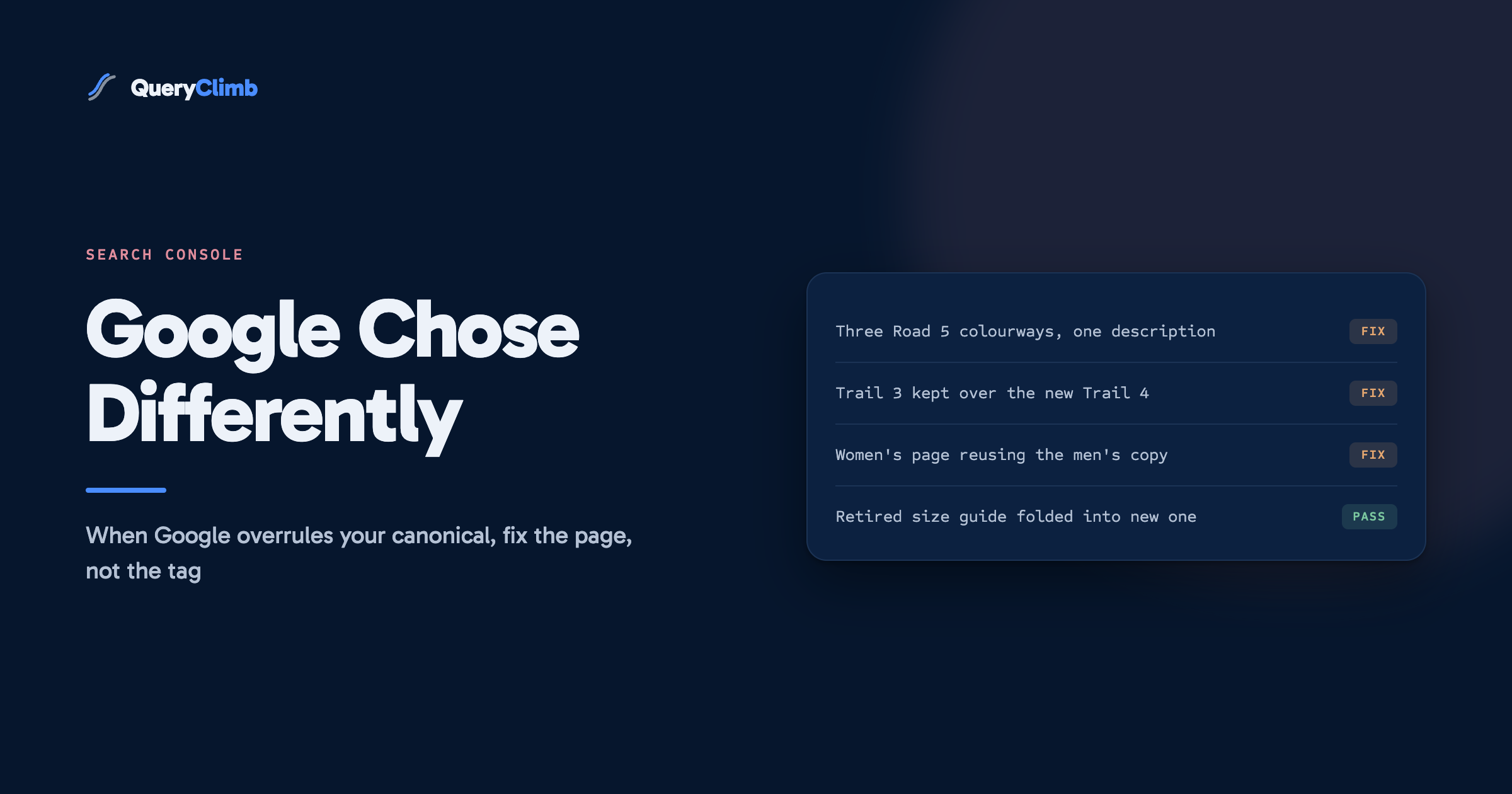
Near-identical product copy. The Road 5 in black, in white and in volt green, listed as three separate products, each carrying the same 200-word description and the same specification table. Three self-canonical pages, one piece of content. Google keeps one colourway and reports the other two here. The same happens when the women’s page reuses the men’s copy with the word “women’s” added to the title.
Model years with recycled text. The Trail 4 replaces the Trail 3. Someone duplicates the old product, changes the heading and a few numbers, and publishes. The old page still resolves, still has its reviews, and still has every link it earned over two years. Google compares them, sees the same page, and keeps the one with the stronger history. The new model is the one reported.
Market pages without language signals. A store selling in the UK and the US with the same English copy on /en-gb/ and /en-us/ paths. Without hreflang annotations, Google sees two identical pages and picks one. Google’s documentation on localised versions is explicit that hreflang is how you tell it the pages are for different audiences rather than duplicates. Most hosted store platforms add these tags when international selling is switched on, so check the source before assuming they are missing.
Pages that are thin enough to match anything. Sold-out products that show little more than a heading and “notify me”, or size-guide pages that differ only by the shoe name. When most of the page is shared template, the unique part is too small for Google to treat the pages as different.
What the data showed us
When we have opened this status on our own store, the rows traced back to content decisions rather than markup: a page published as a near copy of an existing one, or a product description reused across a range. We have not yet found a row that a tag change alone would have fixed. That is our own observation from one store, but it matches the order of causes in Google’s troubleshooting guide.
How do you check which URL Google chose?
Run the reported URL through the URL Inspection tool. Under page indexing it shows “User-declared canonical”, which will be the URL you set, and “Google-selected canonical”, which names the page Google kept instead.
Then open both pages side by side and ask one question: would a shopper see two different things? If the Road 5 in volt green and in black share their photos above the fold, their description and their specification table, the answer is no, and Google has read the pages correctly.
Also inspect the URL Google chose. Check which pages link to it internally and whether it appears in your sitemap. If your navigation, your collection grid and your sitemap all point at the page Google picked, you have been voting for it without meaning to.
Work through the export by pattern rather than row by row. On a shoe store the rows tend to cluster: every colourway of one model, every women’s page in one range, every product on one market path. One decision usually covers a whole cluster.
How do you fix it?
Decide first whether the two pages should both exist. That is a merchandising decision before it is an SEO one.
If they should be one page, merge them. Colourways of the same shoe are the clearest case. One product with a colour option collects every review and every link in one place, and it ranks for the model name without splitting its strength across three URLs. Redirect the retired colourway URLs to the merged product, and update internal links so nothing points at the old addresses. Our post on store redirects covers doing that without chains, and keyword cannibalisation covers why one strong page beats three weak ones.
If they should be two pages, make them different. The women’s Trail 4 is a different product: a different last, a narrower heel, different sizing advice. Say so on the page. Write the description for the runner who will buy it, use that version’s own photography, and show its own reviews. The model years work the same way. If the Trail 4 has a new outsole and a lower drop, the page should lead with what changed, and the Trail 3 page should say plainly that it has been replaced and link to its successor. Our guide to product page copy that is not supplier text covers the writing side.
If the old page is retired, redirect it. Once the Trail 3 is sold out for good, a 301 from its URL to the Trail 4 hands over its links and ends the argument about which is the original.
If they are market variants, add the language signals. Confirm the hreflang tags are present and reciprocal on both versions. Where delivery or returns differ by market, say so on the page.
Then make the supporting signals agree with your choice. The canonical tag, the sitemap and the internal links should all name the same URL. Validate the fix in the report and give it a couple of weeks, which is the timescale Google’s own troubleshooting guide sets for re-evaluation.
Key takeaway
This status is a content report wearing a technical label. The canonical tag was never the problem, so changing the tag is never the fix. Merge the pages that are really one product, rewrite the ones that are really two, and let Google’s choice follow.
What should you not do?
Do not point the canonical at the page Google chose just to make the row go away. On the shoe store, that would formally hand the women’s Trail 4 over to the men’s page and guarantee it never ranks. The row would move to “alternate page with proper canonical tag” and look healthy while the problem got worse.
Do not add noindex to the reported page either. It takes the page out of search without telling Google anything about which version should inherit its signals, and it does nothing about the duplication that caused the grouping in the first place.
Do not press Request Indexing over and over. It asks Google to recrawl, and Google will recrawl the same near-identical page and reach the same conclusion. Request it once, after the content has changed.
And do not treat every row as urgent. Prioritise the rows where the dropped page should earn its own search traffic; a colourway nobody searches for by name can wait until you next touch that product.
Do you need a tool for this?
No. The manual method is an export from the Page Indexing report, a URL inspection per cluster, and a side-by-side read of each pair. On a catalogue of a few hundred products it takes an afternoon, and the fixes are copywriting and merchandising work that no tool does for you.
Where QueryClimb helps is upstream, at the point these duplicates get created. Search Insights groups indexing rows by pattern so the clusters are already sorted. The content calendar records which queries already have a page, which stops a second near copy being planned. The blog writer checks existing pages before drafting, and internal linking keeps links pointing at the URL you chose rather than the one Google did. It buys back hours; the method works without it. The case study shows the loop on our own store, and pricing is public.
The principle underneath is the one in our blog SEO system: no two pages should answer the same query. A store that plans new pages from its striking distance list rarely publishes the near copies that end up in this report.
Frequently asked questions
How do I fix duplicate, Google chose different canonical than user?
Inspect the URL to see which page Google selected, then compare the two pages. If they are really one product, merge them and redirect the spare URL. If they are really two, rewrite the content so each page describes its own product. Make internal links and the sitemap agree with your choice, then validate the fix.
Why does Google ignore my canonical tag?
Because a canonical tag is a hint that Google weighs alongside other signals and the content itself. When two pages are near-identical and the other signals favour the other URL, the tag loses.
Is duplicate, Google chose different canonical than user an error?
No. It is listed under pages that are not indexed, not under errors, and the page Google chose is indexed in its place. It only needs action when the page Google dropped is one you want appearing in search.
Should I change my canonical to match what Google chose?
Only if you agree with Google’s choice after comparing the pages. If the page Google dropped is a product or market that should rank on its own, changing the tag makes the loss permanent. Fix the content instead.
How long does it take for Google to accept my canonical after a fix?
Google’s troubleshooting guide allows up to two weeks for it to re-evaluate after the content changes. Request indexing once for the most important URLs, then use Validate Fix in the report and let the recrawl run at Google’s pace.