The short answer
Duplicate without user-selected canonical means Google found two or more URLs it considers the same page, none of them declared a preferred version, so Google chose one itself and left the rest out of the index. On most stores Google chose correctly and there is nothing to do. It needs fixing only when the URL Google kept is not the one you want ranking, or when the duplicates are real pages that should have been different.
The Page Indexing report in Search Console has a reason called “Duplicate without user-selected canonical”, and it tends to arrive in bulk. A store that has never looked at the report opens it and finds a few hundred URLs filed under a name that sounds like a mistake someone made.
Usually nobody made one. The status describes Google doing a routine job: it found several addresses for what it judged to be the same content, noticed that none of them said which address was the real one, and picked one on your behalf. The others were left out of the index because indexing the same page five times helps nobody.
The examples in this post come from a kitchenware store selling cast iron skillets, Dutch ovens and the oils and scrapers that go with them. Sizes, finishes and care guides are exactly the shape that produces this status.
What does duplicate without user-selected canonical mean?
It means Google has grouped this URL with at least one other URL as duplicates, this URL carries no canonical tag stating a preference, and Google has chosen a different URL from the group as the canonical. The URL in the report is the one that lost.
Google’s Page Indexing report documentation defines it in almost those words. Each part of the name maps to one of those facts. “Duplicate” is the grouping. “Without user-selected canonical” is the missing tag. The status sits under “not indexed” because the chosen URL is the one that gets indexed, and this one does not.
Canonicalisation is how Google handles the fact that the web is full of the same content at different addresses. Its explanation of canonicalisation is worth reading once: Google clusters pages it considers duplicates or near-duplicates, then chooses one to represent the cluster in search, using signals that include redirects, canonical tags, internal links and which URL appears in the sitemap.
So the report is not telling you a page is broken. It is telling you a page is a copy, and that Google made the choice you did not.
Worth knowing
A URL that declares a canonical pointing elsewhere does not appear under this status. It appears under “Alternate page with proper canonical tag” instead. If you are seeing “without user-selected” on a template you believed had canonical tags, view the page source for that exact URL and search for rel=“canonical”. Either the tag is missing on that template, or the URL is one your platform generates outside the templates that set it.
Is it a problem?
For most stores, most of the time, no. If Google has kept the URL you would have kept yourself, the outcome is identical to the one a perfect canonical tag would have produced. The copy is out of the index, the real page is in it, and ranking signals are consolidated onto the page that should have them.
It becomes a problem in two situations, and they are the whole reason to open the report.
The first is when Google kept the wrong URL. A parameter version of a product page, an old address that still resolves, or a near-empty page that happens to have more internal links than the good one. When that happens the page you wanted ranking is the one excluded, and the report is the only place that tells you.
The second is when the duplicates were never meant to be duplicates. Two pages you consider different products or different articles have been judged the same content. That is not a tagging issue. It is a content issue that a canonical tag cannot fix, and it is the version of this status that costs stores real traffic.
What causes it on an online store?
Almost every instance traces back to one of four patterns. Group the export by URL shape before opening individual pages, because each pattern needs one decision rather than one per URL.
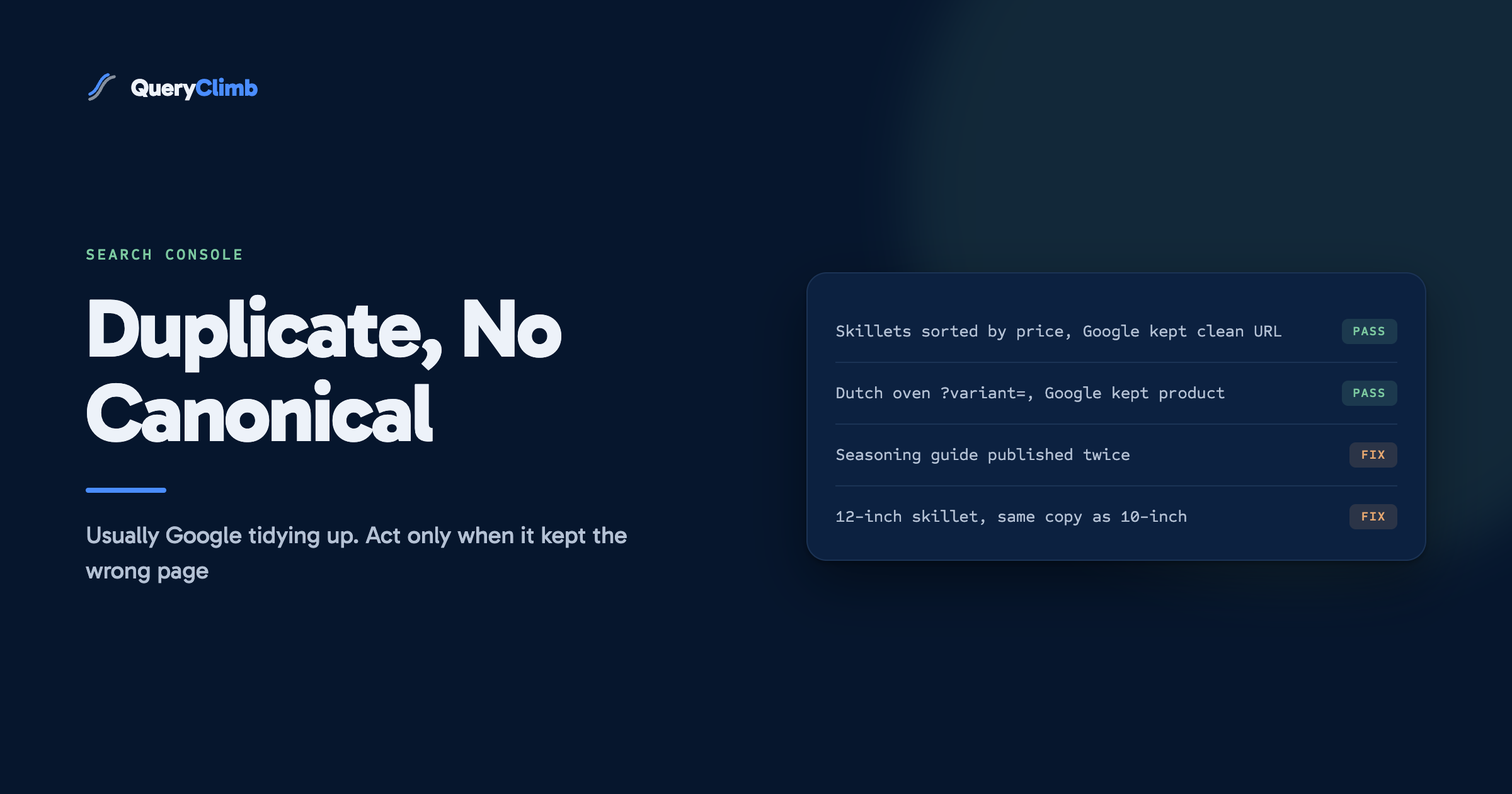
Parameter URLs. Sort orders, filters, tracking tags and variant selectors all create new addresses for the same page. A skillets collection sorted by price at ?sort_by=price-ascending, the same collection filtered by size, or a product page opened at ?variant= for the enamelled finish. Most hosted platforms add a canonical tag to these, which files them under the other status. Where a template or an app generates a URL without one, they land here.
Address variants of the same page. HTTP and HTTPS, with and without www, with and without a trailing slash. A correctly configured store redirects all of these to one form, so they should be rare. When they appear in quantity, the redirect is missing somewhere.
Pages published twice. The care guide that exists at /blogs/guides/seasoning-cast-iron and again at /pages/how-to-season-cast-iron because someone rebuilt it as a landing page and never removed the original. The two pages are near-identical, neither points at the other, and Google picks one.
Products with identical copy. A 10-inch skillet and a 12-inch skillet listed as separate products, both carrying the same supplier description word for word. To a crawler they are the same page with a different number in the title. This is the pattern most worth finding, because both products are real and one of them has just been removed from search.
How do you check which URL Google chose?
Inspect the URL. The URL Inspection tool shows two fields that settle the question: “User-declared canonical”, which will be empty for anything under this status, and “Google-selected canonical”, which names the URL Google kept.
Take a sample from each pattern rather than inspecting every row. For the parameter pattern, check three or four URLs; if Google chose the clean product or collection address every time, the whole pattern is fine. For the published-twice pattern, check each pair, because there are rarely many and the choice matters.
Then compare Google’s choice with the URL you want ranking. That comparison is the entire audit. Where they match, move on. Where they differ, you have found the one row of the report that needed you.
Key takeaway
The question is never “why is this URL excluded”. It is “did Google keep the right one”. Answer that for one sample URL per pattern and most of the report closes in a single sitting, because a pattern where Google chose correctly needs no work at all.
How do you fix it when Google picked the wrong page?
Give Google stronger signals for the URL you want, and weaker signals for the one it picked. A canonical tag alone is a hint, and Google’s guide to specifying a canonical URL ranks the methods by strength: a redirect is a strong signal, a rel=“canonical” tag is a strong signal, and listing the URL in a sitemap is a weak one. When those signals disagree, Google weighs them together, which is how the wrong page wins.
If the duplicate should not exist, redirect it. The care guide published twice is the clear case. Choose the version with the better content and the more links, 301 the other one to it, and update any internal links that pointed at the old address. The status disappears because there is no longer a duplicate to report. Our post on store redirects covers doing this without creating chains.
If the duplicate has to exist, declare the canonical. Parameter URLs are needed for sorting and filtering, so they cannot be redirected away. Make sure the template outputs a canonical tag pointing at the clean URL. Once it does, those URLs move to “Alternate page with proper canonical tag”, which is the status you want them in.
Make the other signals agree. Internal links, the sitemap and the canonical tag should all name the same URL. A store whose navigation links to /collections/skillets?sort_by=best-selling while its sitemap lists /collections/skillets is sending two answers, and Google may side with the links. Point the navigation at the clean address.
Then use Validate Fix in the report, and expect it to take a couple of weeks. Recrawling happens at Google’s pace rather than yours.
What if the duplicates are different products?
Rewrite the copy, because no tag will separate two pages that say the same thing. This is the case where the report is pointing at a genuine problem and the technical fixes do nothing.
If the 10-inch and 12-inch skillets carry the same description, Google is not wrong to call them duplicates. The fix is to make each page describe the thing it sells. The 12-inch cooks for a family and is noticeably heavier to lift one-handed. The 10-inch is the lighter everyday pan most people buy first. Those are real differences a shopper cares about, and they are also what makes the pages distinct to a crawler.
There is a second option that is often better. If the sizes are genuinely the same product, merge them into one product with a size variant. One strong page for “cast iron skillet” beats two thin pages splitting the same query, which is the same logic behind fixing keyword cannibalisation. The merged page collects the reviews and links that were previously divided between two.
The same applies to articles. Two guides on seasoning cast iron that answer the same question with slightly different wording should become one guide. Our wider thinking on writing product pages that are not supplier copy covers the description side in more depth.
Should you add canonical tags to every page?
Yes, a self-referencing canonical on every indexable page is sensible, and most store platforms already output one on product, collection and article templates. It removes ambiguity about which address a page considers its own, and it means any parameter or tracking version of that page inherits the right declaration automatically.
What a canonical tag will not do is overrule Google when the rest of your site disagrees with it. Google’s documentation is explicit that the canonical is one signal among several. A tag pointing at URL A on a page that every internal link and the sitemap call URL B is a contradiction, and contradictions are how the wrong URL ends up chosen.
What does this cost to run?
The manual version costs an afternoon the first time and half an hour a month after that. Export the report, group by URL pattern, inspect a sample per pattern, and act only where Google chose differently from you. Nothing about it needs a paid tool.
Duplicates of the content kind are created at publishing time, which is where QueryClimb earns its place, and the manual method above works fine without it. Search Insights groups indexing problems by pattern so the sample-and-decide step is already done. The content calendar records which queries already have a page, which stops the same guide being written twice. The blog writer checks existing articles before drafting a new one, and internal linking keeps links pointing at the canonical address rather than whichever version someone copied. The case study shows the loop on a real store, and pricing is on the site.
The principle underneath is the one in our blog SEO system: every page should exist for a named query, and no two pages should share one. A store that holds to that rarely sees this status for anything other than parameters. Neighbouring reasons in the same report are covered in our posts on soft 404s and crawled but currently not indexed, and the queries worth building new pages for usually come from the striking distance list.
Frequently asked questions
How do I fix duplicate without user-selected canonical?
Inspect a sample URL and compare the Google-selected canonical with the page you want ranking. If they match, no fix is needed. If they do not, redirect duplicates that should not exist, add canonical tags where duplicates must exist, point internal links and the sitemap at the preferred URL, and rewrite pages whose content is genuinely identical.
Does duplicate without user-selected canonical hurt SEO?
Not when Google chose the right URL, because the result is the same as a correct canonical tag would give. It hurts when Google kept the wrong version, or when two pages you meant to be different have been treated as copies and one has been dropped from search.
What is the difference between duplicate without user-selected canonical and alternate page with proper canonical tag?
Both describe a URL left out of the index as a duplicate. With “alternate page with proper canonical tag”, the URL declared a canonical pointing elsewhere and Google agreed. With “without user-selected canonical”, the URL declared nothing and Google made the choice itself.
Why is Google choosing a different canonical than the one I want?
Because your other signals point elsewhere. Google weighs redirects, canonical tags, internal links and sitemap entries together, and if your navigation links to one version while the tag names another, the links can win. Make every signal name the same URL.
Should I use noindex instead of a canonical tag for duplicates?
Usually not. Noindex removes a page from search without telling Google which page should inherit its signals, while a canonical tag consolidates them. Use noindex for pages that should not appear in search at all, and canonical tags or redirects for copies of a page that should.