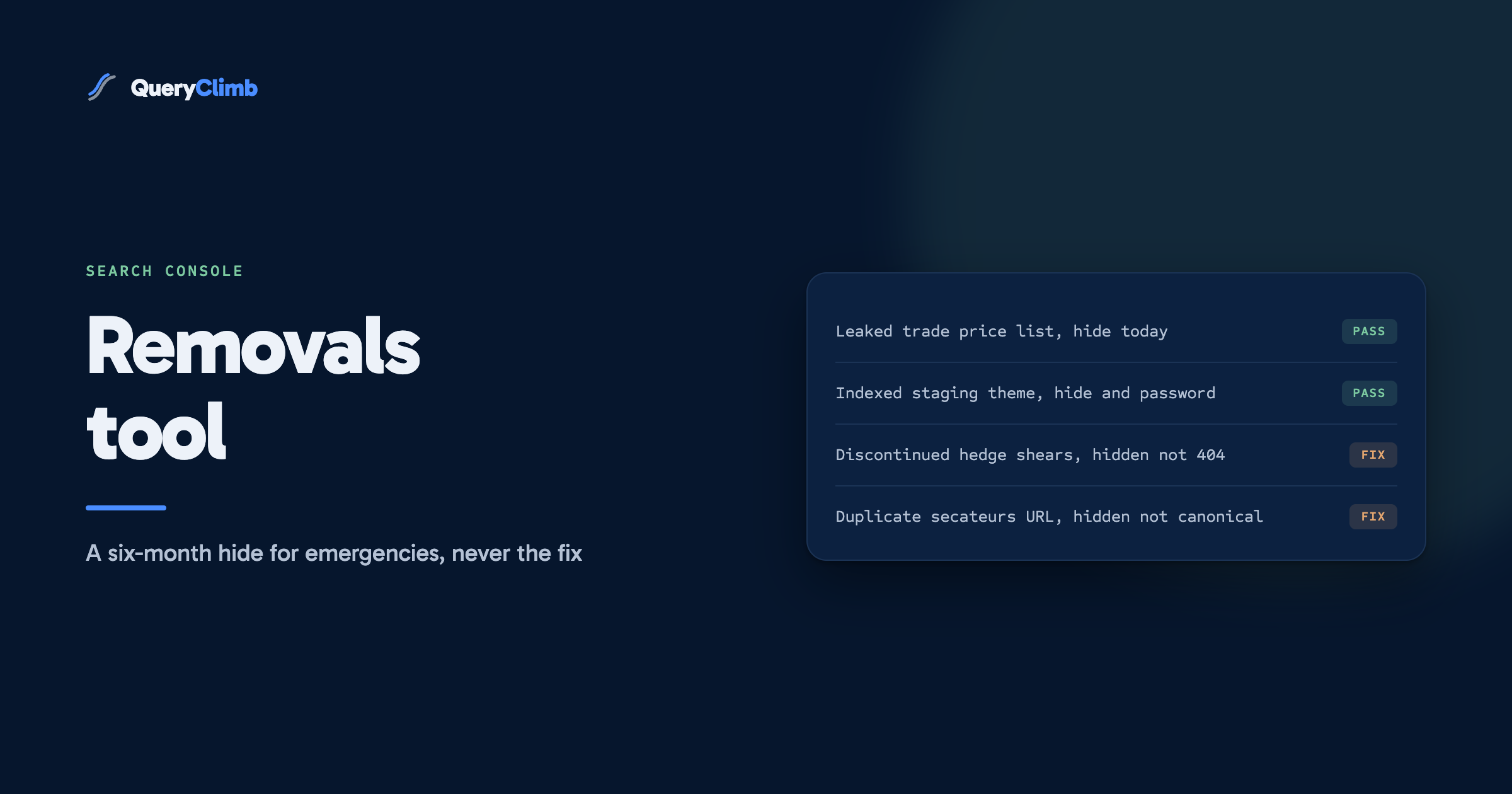
The short answer
The Removals tool hides a URL from Google's results for about six months. It does not delete the page, stop Google crawling it, or touch any other search engine. Use it for emergencies such as a leaked price list, and always pair it with a permanent fix: a 404 or 410, a password, or a noindex tag.
The Removals tool is the fastest lever in Google Search Console and the most misunderstood. Submit a URL and it usually disappears from results within a day, which feels like the problem is solved. It is not. The request expires after about six months, and if nothing changed on the page in the meantime, the listing comes back as though you never asked.
Most requests I see are for the wrong job. This post covers what the tool does according to Google’s own documentation, the few situations it is built for, and the permanent fix every request needs underneath it.
Examples run through a garden tools store: bypass secateurs, loppers, hedge shears, a hori-hori knife, a trade price list meant for landscapers, and the usual pile of discontinued stock that builds up after a few seasons.
What does the Removals tool in Google Search Console actually do?
It blocks a URL from appearing in Google Search results for about six months. That is the whole effect. Google’s Removals help page says so plainly: the page is hidden from results, Google can still crawl it, and once the request expires the page can reappear unless you have removed or blocked it properly in the meantime.
Three things follow from that.
The page is still on your site. Anyone with the link, a bookmark or an old email can still open it. The tool changes what Google shows, not what your server serves.
The page is still in Google’s systems. Google keeps crawling it and keeps whatever it learns. The listing is suppressed, not erased.
The request only covers Google. Bing, DuckDuckGo and every AI crawler that fetched the page carry on as before.
What are the different request types in the Removals report?
The report has three tabs, and only the first one is really yours to use as a store owner.
Temporary removals. This is where you submit requests. Two options sit inside it. “Temporarily remove URL” hides a URL, or every URL that starts with a given prefix, for about six months. “Clear cached URL”, which Google’s help page now describes as clearing the snippet, removes the description shown under a result until Google next crawls the page, without hiding the result itself. Google introduced this layout in its January 2020 announcement of the Removals report.
Outdated content. This tab lists requests made by other people through Google’s public outdated content tool, where anyone can ask Google to refresh a result for a page that has changed or gone. You only read it.
SafeSearch filtering. This lists URLs on your site that someone has reported as adult content. On a garden tools store it should stay empty.
Worth knowing
The prefix option is broader than it looks. Google’s help page notes that a prefix request covers every URL beginning with that text, across the www and non-www versions of the host. Submitting /products/ as a prefix to hide one old pair of hedge shears would take every product on the store out of Google for six months. Read the confirmation screen twice.
When is the Removals tool the right tool?
When something is showing in Google that must not be there, today, and the permanent fix will take longer than you can wait. That is a short list.
The textbook case on a store is a leak. Say the landscaper trade price list, a PDF with wholesale prices on your best-selling loppers, got linked from a public page by mistake and is now appearing for your brand name. The right sequence:
- Delete the file or move it behind a login, so the URL no longer returns the document.
- Submit the URL in Temporary removals so the listing disappears now rather than whenever Google next recrawls.
- Confirm the URL returns a 404 or 410, or a login page, in a private browser window.
- Let the request run out. By the time it expires, Google has recrawled the URL, found nothing there, and dropped it for good.
Other legitimate uses follow the same shape: a product page that went live with a supplier’s personal phone number in it, or a staging copy of the theme indexed because nobody put a password on it. Each is urgent, and each has a proper fix that takes days to reach Google on its own.
Check one thing before you submit: the tool only accepts URLs inside a property you have verified. If the leaked file is served from a host outside that property, such as a third-party CDN domain, you cannot submit it from your own Search Console and have to remove it at the source.
When is it the wrong tool?
For almost everything else, and Google’s help page lists the main misuses itself.
Duplicate or near-duplicate pages. If your secateurs appear under /products/bypass-secateurs and /collections/pruning/products/bypass-secateurs, the Removals tool is not the answer. Google’s documentation specifically warns against using it for canonicalisation, because hiding one version for six months can end up hiding the version you wanted to keep. A canonical tag, or fixing the internal links that create the second URL, is the permanent answer. The canonical statuses and what they mean are covered in the post on alternate page with proper canonical tag.
Discontinued products. The hedge shears you stopped stocking do not need a removal request. They need a decision: redirect the URL to the closest replacement if one exists, or let it return a 404 if nothing fits. Google drops a 404 from the index on its next crawl. The redirect choice itself is in 301 vs 302 redirects.
Site moves and domain changes. Removing the old domain’s URLs while the redirects are still being picked up hides the very pages Google needs to follow to find the new ones. Redirect and wait.
A hacked site. Google’s help page advises cleaning up the hack rather than blocking the whole site.
What the data showed us
”google search console removals tool” runs about 390 US searches a month at a difficulty of 43, from the research we ran on 25 September 2026, with the monthly series swinging from 140 to 1,000 over the past year. The top results are Google’s own help and blog pages, which answer “how” well and say very little about “whether you should”.
How do you remove a page from Google permanently?
You change what the URL returns, then let Google see the change. Google’s guide to removing information from Search sets out the options, and each suits a different situation on a store.
- Delete the page and return a 404 or 410. Right for content that should not exist at all, such as the leaked price list. It also removes the page from every other search engine and from anyone following an old link.
- Put the page behind a password. Right for content that should exist for some people, such as trade pricing for approved landscape gardeners. Googlebot cannot log in, so it cannot index what it cannot see.
- Add a noindex tag. Right for a page customers still need that you do not want in results, such as an order tracking page or a thank-you page for a trade enquiry form. The page stays up, Google drops it.
On Shopify, the noindex route has an admin-friendly form. Shopify’s help page on hiding a page from search engines describes a seo.hidden metafield: set it to 1 on a page, product or blog post and Shopify removes it from the sitemap and adds the noindex tag. For templates, the same page shows the Liquid snippet to add to the theme’s head.
The one route Google explicitly rules out is robots.txt. Disallowing a URL stops Google fetching it, which means Google never sees the noindex tag or the 404, and the listing can survive on links alone. That trap has its own post: blocked by robots.txt versus indexed though blocked.
How do you submit a removal request?
Open the Removals report from the left-hand menu of the property, select New request on the Temporary removals tab, and choose between removing a URL and clearing its snippet.
Paste the exact URL, including the protocol. Choose “Remove this URL only” unless you have a real reason to use the prefix option, and if you do, test the prefix against your own site structure first by searching Google with site: and that prefix to see what it would catch. Submit, and the request shows as pending, then processed. In our experience processing usually happens within a day, though Google does not publish a turnaround.
Then do the part that matters: make the permanent change on the site. The request exists to cover the gap while that change reaches Google, not to replace it.
If you submitted the wrong URL, or the emergency turns out not to be one, open the request’s menu in the Removals report and cancel it. The URL can return to results once Google processes the cancellation.
What happens when a removal request expires?
Google checks nothing on your behalf. When the six months are up, the URL is simply eligible to appear again, and whether it does depends entirely on what the URL returns at that point.
If you deleted the page and it returns a 404, it stays gone. If you added noindex, it stays gone. If you did nothing, it comes back, often ranking roughly where it was, which is how stores end up with a discontinued product reappearing half a year after someone thought they had dealt with it.
This is the most common failure I see with the tool, and it is a process failure. The listing vanishes, the job leaves everyone’s head, and nobody notices when it returns. Write the expiry date down and check the URL that week.
Key takeaway
A removal request is a curtain, not a demolition. Draw it when something must disappear today, then fix what is behind it before the curtain lifts on its own in six months.
How does this fit into running a store’s SEO?
Barely, and that is the point. On a healthy store the Removals report should be empty most of the year, with a request appearing only when something has genuinely gone wrong. If you find yourself using it every month, the problem is upstream: duplicate URLs being created, products being deleted without a redirect plan, or staging sites going live without a password.
The routine work sits elsewhere. Reading the Page indexing report monthly catches most of what would otherwise become a removal emergency, and the crawled, currently not indexed and soft 404 statuses cover the pages Google is already quietly ignoring. The growth work, finding the queries you nearly rank for and writing for them, is in the guides to striking distance keywords and Shopify blog SEO.
None of that needs a tool. QueryClimb reads the same Search Console data and flags pages whose statuses change, which catches a hidden URL reappearing when a request lapses. Search Insights is where that shows up, and the pricing page lists what it costs. If you check Search Console by hand every week, you already have the important part. The case study shows how we use the data on our own store.
Frequently asked questions
How long does a Google Search Console removal last?
About six months, according to Google’s Removals help page. After that the URL can appear in results again if it is still live and indexable. To keep it out for good, the URL has to return a 404 or 410, sit behind a password, or carry a noindex tag by the time the request expires.
Does the Removals tool delete a page from Google’s index?
No. It hides the URL from Google Search results for the duration of the request. Google can still crawl the page, and the page still exists on your site. Permanent removal comes from changing what the URL returns, which Google then picks up on its next crawl.
How long does a removal request take to process?
Google does not publish a timeline. In our experience a request for a single URL is usually processed within a day, and the listing disappears shortly after.
Can I remove a URL from Google if I don’t own the site?
Not through Search Console’s Removals tool, which only accepts URLs in properties you have verified. For pages on other sites, Google offers a separate public outdated content tool for pages that have already changed or been deleted, and separate routes for personal information and legal requests. Requests made about your pages through that public tool show up on the Outdated content tab of your Removals report.
Should I use the Removals tool for out-of-stock products?
No. A product that is out of stock but coming back should stay live and indexed, marked as unavailable. A product that is gone for good needs a redirect to the closest replacement or a 404. Neither situation is urgent enough to justify hiding the URL, and hiding a page that should keep ranking costs you the traffic it was earning.